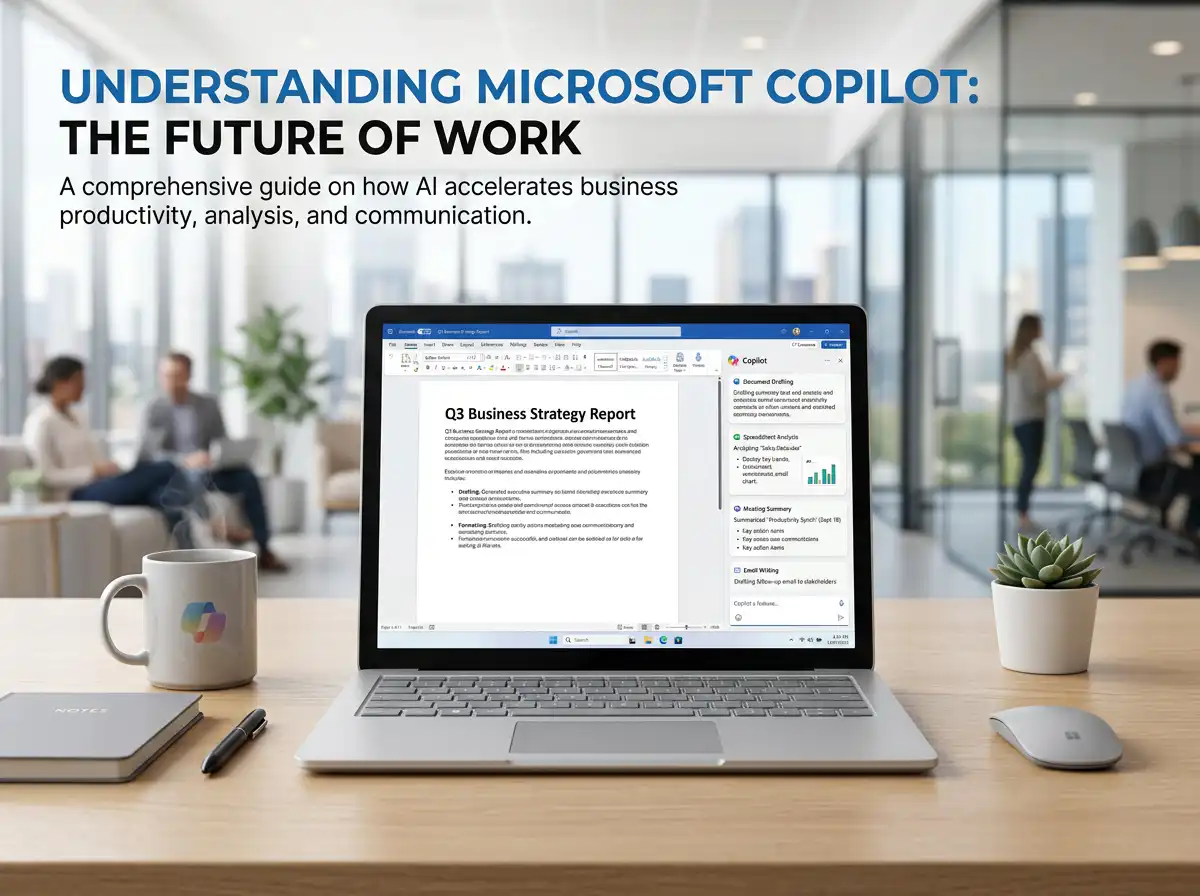
In an era where work demands speed, accuracy, and the management of large amounts of data, AI tools have become essential assistants for modern workers. One tool that is gaining increasing attention is... Microsoft Copilot It was developed to assist with document work, data summarization, email responses, analysis, and efficient integration with Microsoft tools.
Many people therefore began to wonder... What is Microsoft Copilot? How is it used? What are its benefits? And who is it suitable for? This article will introduce Microsoft Copilot in an easy-to-understand way, explaining its key features, practical uses, business benefits, and applications for content creation, websites, and organizations.
list of contents
- What is Microsoft Copilot?
- How does Microsoft Copilot work?
- What can Microsoft Copilot do?
- Advantages of Microsoft Copilot
- Who is Microsoft Copilot suitable for?
- Implementing Microsoft Copilot in Business.
- Microsoft Copilot for Content and SEO.
- Related links and services.
- Summary and further recommendations.
What is Microsoft Copilot?
Microsoft Copilot It's an AI assistant from Microsoft designed to make daily tasks easier, faster, and more efficient. It can help with writing text, summarizing information, analyzing data, managing documents, and answering questions based on available data.
To explain it in the simplest way. Microsoft Copilot is an AI work assistant. This bridges the gap between artificial intelligence concepts and real-world applications in organizations and businesses, enabling users to work faster using natural language commands, such as requesting assistance in summarizing documents, writing emails, drafting content, or performing basic data analysis.
Key features of Microsoft Copilot
- Helps speed up repetitive tasks.
- It helps summarize a large amount of information in a short time.
- It helps in drafting messages and documents in a systematic way.
- It helps increase productivity in daily tasks.
- Suitable for individuals, organizations, and businesses.
How does Microsoft Copilot work?
The working principles of Copilot AI It involves receiving commands or questions from users, processing the information within the context to generate relevant answers or results. This could include writing text, summarizing, recommending, or analyzing data at a level that is easily understood by the user.
Typical usage patterns
- Type a command to help write or summarize.
- Need help analyzing data or formatting content?
- Can you help me think of a document or text structure?
- Ask questions to request clarification or guidance on how to do things.
Why are working professionals interested in Microsoft Copilot?
Because it is a tool that helps reduce the time spent on routine tasks, lessens the burden of repetitive tasks, and allows users to focus more on strategic work or decision-making.
What can Microsoft Copilot do?
A key question many people want to know is: What can Microsoft Copilot be used for? Which can actually help with many different types of work.
1) Help draft and rephrase the text.
Microsoft Copilot can help with writing basic text such as emails, reports, summaries, or internal organizational messages, making it easier to get started with writing.
2) Help summarize information and organize meetings.
For organizations with frequent meetings or large volumes of documents, AI can help summarize key points and organize information for faster reuse.
3) Help analyze the preliminary data.
Microsoft Copilot can be used to help understand large amounts of data, identify key points, or explain data in a simpler way. It's ideal for those who work with business reports or data.
4) Helps to improve efficiency in document work.
Whether it's organizing content, drafting new documents, adjusting language, or summarizing key information, Copilot can significantly reduce work time.
5) Help to outline ideas and structure the work.
In content creation, marketing, or internal planning, Microsoft Copilot can help brainstorm topics, create outlines, and organize content to make it easier to understand.
Examples of popular tasks using Microsoft Copilot.
- Summary of emails and documents.
- Draft business message
- Please help prepare the meeting materials.
- Analyze the preliminary data.
- Help me write content.
- Organize the data to make it ready for use.
Advantages of Microsoft Copilot
It helps to work faster.
Microsoft Copilot helps reduce repetitive tasks, especially writing, summarizing, and data management, enabling you to work faster each day.
It helps reduce the burden of time-consuming tasks.
Tasks that used to take a long time, such as reading long documents or drafting text from scratch, can be started more easily with the help of AI.
It helps the team work together better.
When everyone has faster access to summaries and workflow guidelines, teamwork naturally becomes more efficient.
Who is Microsoft Copilot suitable for?
Microsoft Copilot is suitable for a wide range of users, from individuals to organizations.
Office workers and organizational teams.
Ideal for those who regularly work with large amounts of documents, emails, meetings, and data.
Marketers and content teams
It can be used to help brainstorm topics, summarize information, structure articles, and draft content more quickly.
Business owner
For those who wish to use it. AI for Business Microsoft Copilot is another option that helps manage data and communicate work more efficiently.
Website and Digital Team
Copilot can assist in the content layout process, structuring articles, and organizing information to better suit user needs.
Implementing Microsoft Copilot in Business.
From a business perspective, Microsoft Copilot doesn't just help with productivity; it can also be used in web development, brand communication, and content planning.
Used to help structure website content.
If a business is planning... Web design Alternatively, to modernize an existing website, AI can help organize content, summarize key selling points, and create clearer and more communicative messages.
Used to help plan services and website pages.
Businesses looking for ways to develop their websites can use AI to help organize content and create a basic structure before building upon it. Website development packages Suitable for the brand's goals.
Used in e-commerce and product content.
For businesses selling products online, AI can also help draft product descriptions, organize category information, and assist in designing webpage structures, which can be further developed for other tasks. E-Commerce Website That's also true.
Microsoft Copilot for Content and SEO.
While Microsoft Copilot isn't meant to replace everyone, it can help make content creation and SEO more efficient.
How does Microsoft Copilot help with SEO?
- Please help me brainstorm topics based on the main keywords.
- Please help structure the article to have a clear sequence.
- Please help draft a preliminary article.
- Please summarize the reader's intent.
- Please improve the language to make it easier to read.
But it should still be checked by people.
Good content should be fact-checked, brand-aligned, and integrated into the actual website structure to deliver positive results for both readers and SEO.
Guidelines for using AI effectively.
Microsoft Copilot should be used to help initiate, structure, and accelerate the workflow, after which the team can further customize it to meet business goals.
Related links and services.
If you are interested in applying AI to websites, content, and businesses, you can find more information from the related links below.
- Articles about AI, websites, and online marketing.
- Website design services for businesses.
- Website development packages
- E-commerce website services
- Shopify website development services.
In summary: Microsoft Copilot is an AI assistant that helps make work more efficient.
What is Microsoft Copilot? In simple terms, AI-powered work assistants make writing, summarizing, analyzing, and managing data easier and faster. They are suitable for corporate employees, marketers, business owners, and digital teams who want to work more efficiently.
In a world where AI is becoming an integral part of work, knowing how to use and utilize the right tools will help businesses grow faster, in terms of communication, data management, and creating better customer experiences.
If you want to further utilize AI to work effectively with your business website.
Our team is ready to help you structure your website, plan content, and develop communication strategies tailored to your business, ensuring your website supports your brand image, marketing, and growth in the digital age.
View our website design services. | View website packages. | Read more articles.