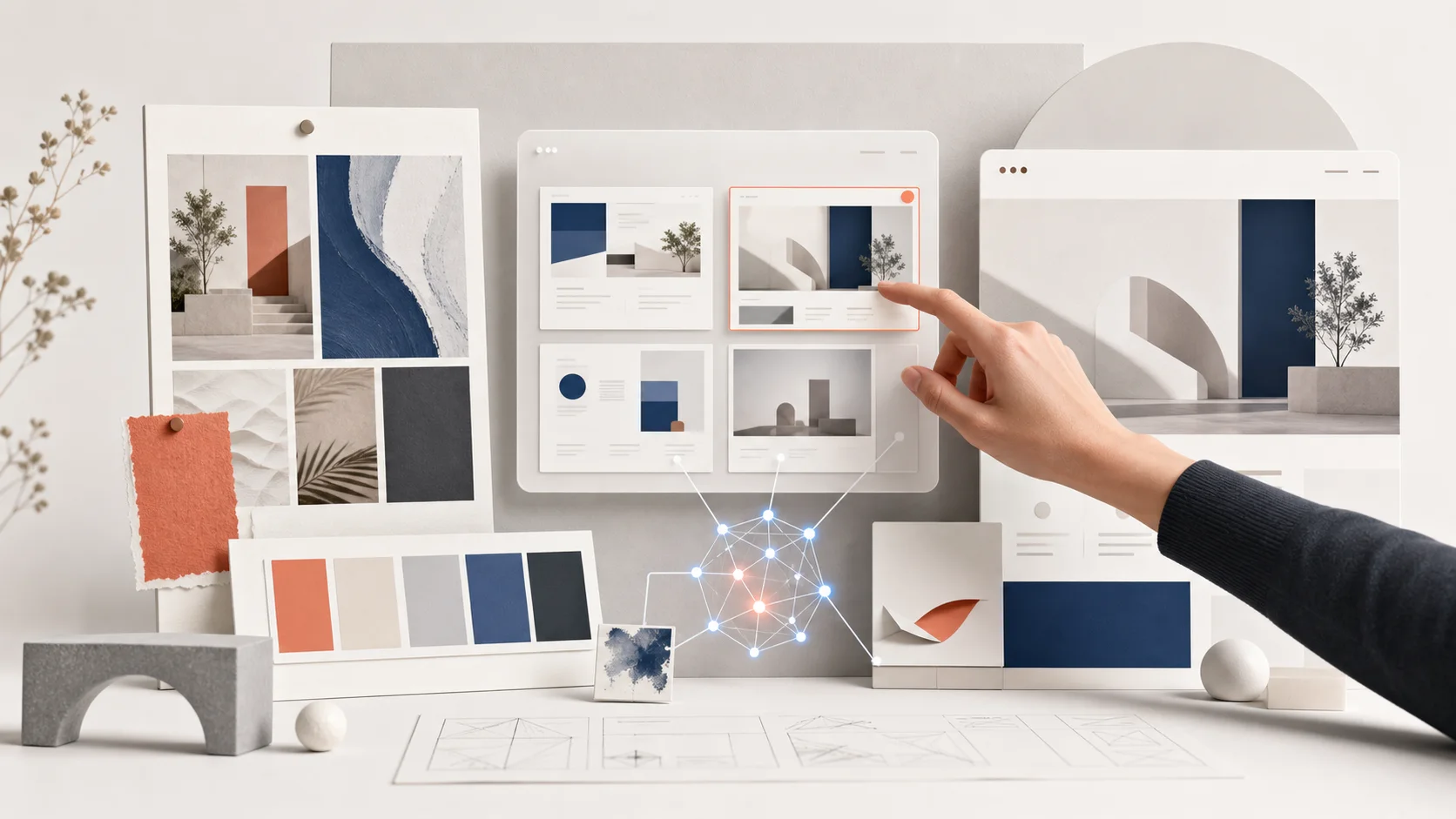
When talking about AI in website development, many people often think of simply instructing the system to generate a beautiful image. But in our actual work, AI plays a much broader role. We use it from the initial stages of a conversation, exploring possibilities, making previously difficult-to-explain approaches visually clear to clients more quickly, and freeing up the team to focus on details that truly impact the brand.
Importantly, AI doesn't replace the entire creative team. It's a tool that helps us think broadly, experiment faster, and make decisions with a clearer picture. However, choosing which paths are right for the business, which should be discarded, and which details need further development still requires experience and a deep understanding of the brand.
list of contents
Why we use AI as a strategic tool, not a shortcut.
A good website doesn't start with just the question, "What kind of images do I want?" It begins with understanding who the business is communicating with, what strengths customers should remember, and what the website should help users do next. Once these requirements are clear, AI becomes a tool that helps expand the options in a focused and purposeful way.
Before starting the design process, we usually ask clients to prepare key information such as their target audience, core services, brand differentiation, and examples of their likes and dislikes, similar to the principles discussed in this article. What information do I need to prepare when creating a new website? Because the better the context, the more accurate and focused the use of AI will be in achieving business goals.
Things that AI does well in the early stages.
Opening up space to explore multiple options.
Explore various atmospheres, styles, and ideas quickly, without rushing to answer from the start.
Make the description tangible.
Transform phrases like "credible but not rigid" or "accessible premium" into compelling narrative references.
It allows the team to conduct more experiments.
The team spent less time on initial testing and more time on filtering and refining key details.
1. AI can help generate ideas, but the ideas must start from the brand's requirements.
During the Discovery phase, we used AI as a virtual workspace with multiple options available simultaneously. The team could explore references, moods, layouts, and visual languages that might suit the brand, and then select only those approaches that were logically sound, not simply because the visuals looked novel.
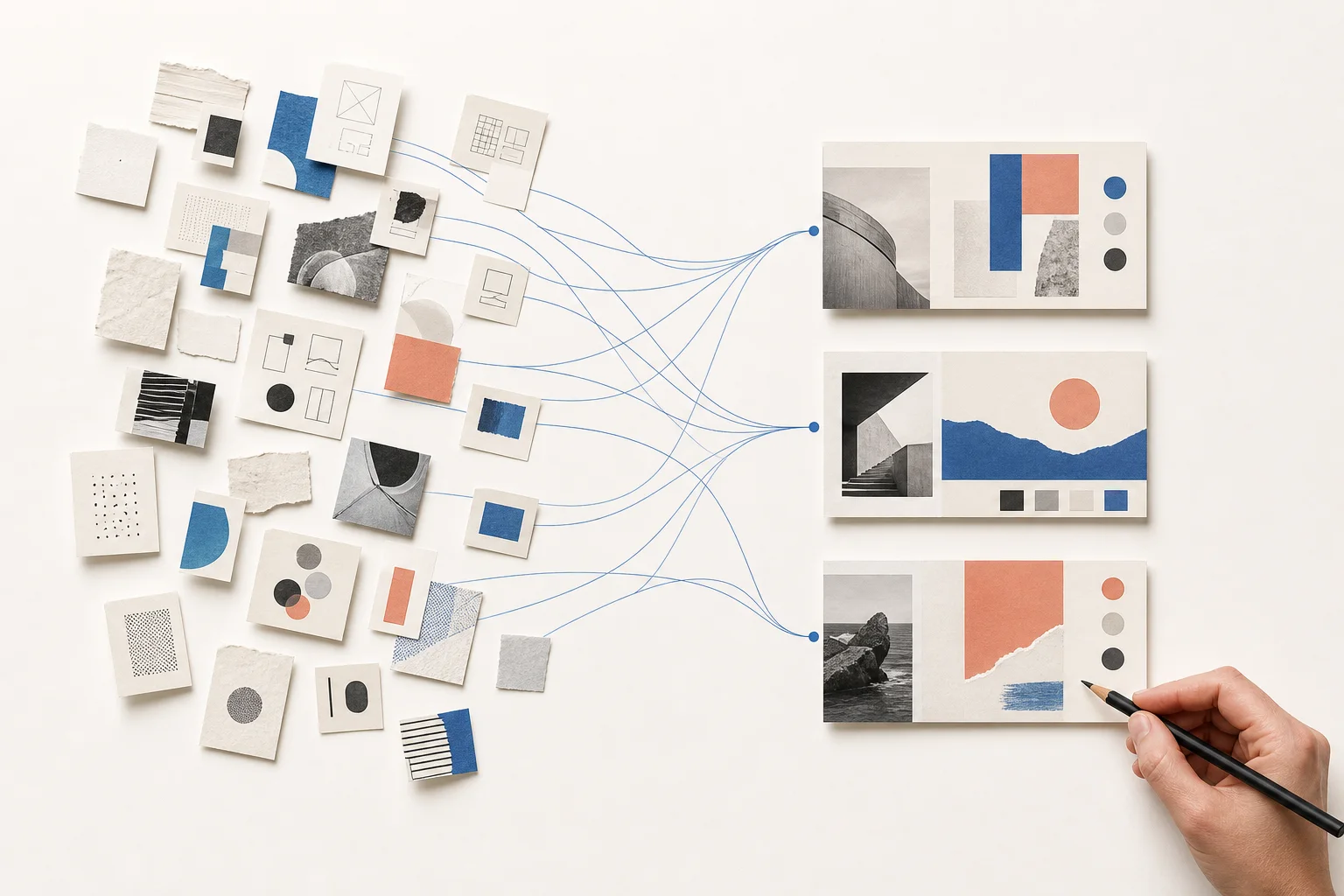
We didn't start with a prompt, but with a question.
Instead of rushing to type commands for AI to generate work, we'll start with questions applicable to real-world design tasks. For example, how should customers feel when they open the homepage? What information should they see first? How do competitors in the market communicate similarly? And where can our brand differentiate itself? Once we have the answers, experimenting with AI has a better scope and helps reduce unnecessary trial and error.
Examples of data that can help you find ideas more effectively.
- Brand personality and what it shouldn't be.
- Key customer groups, including concerns prior to making a decision.
- The purpose of a website page is, for example, to request a quote, schedule an appointment, or view portfolio.
- Limitations in content, photographs, system, and budget.
2. AI helps create visual direction, making design discussions clearer.
The definition of "elegant" varies from brand to brand. Some brands mean ample white space and careful use of color, while others refer to large visuals and confident compositional elements. AI is currently helping us quickly create multiple visual comparisons, after which the team will refine the visual direction using the most suitable elements.
Visual direction isn't just about having a beautiful picture.
For us, Visual Direction should convey emotion, color, visual style, use of negative space, weight of elements, and its relationship to the existing Brand Identity. If the brand is still in the process of reorganizing its identity, the concept of... Corporate Identity (CI) This will help to make decisions that are not scattered visually.
From experimental images to a fully functional system.
The team won't immediately use the AI-generated images, but will look for the core elements of each approach, such as what color scheme best conveys credibility, what visual style suits the service, and what layout makes the content easy to read. Only then will they develop these into mood boards, color directions, and consistent usage principles.
The points we inspect especially.
Every aspect of the website must be explainable in terms of how it helps the brand, not just looking modern for a short period, because a website is an asset that needs to be continuously used and adaptable to future content.
3. AI helps customers visualize websites faster.
Valuable speed isn't about rushing through steps, but about reducing time wasted on misunderstandings. With clear visual direction, we can test concepts on the initial website design more quickly. Clients can then see how the chosen mood will work on the final website, both on desktop and mobile screens.
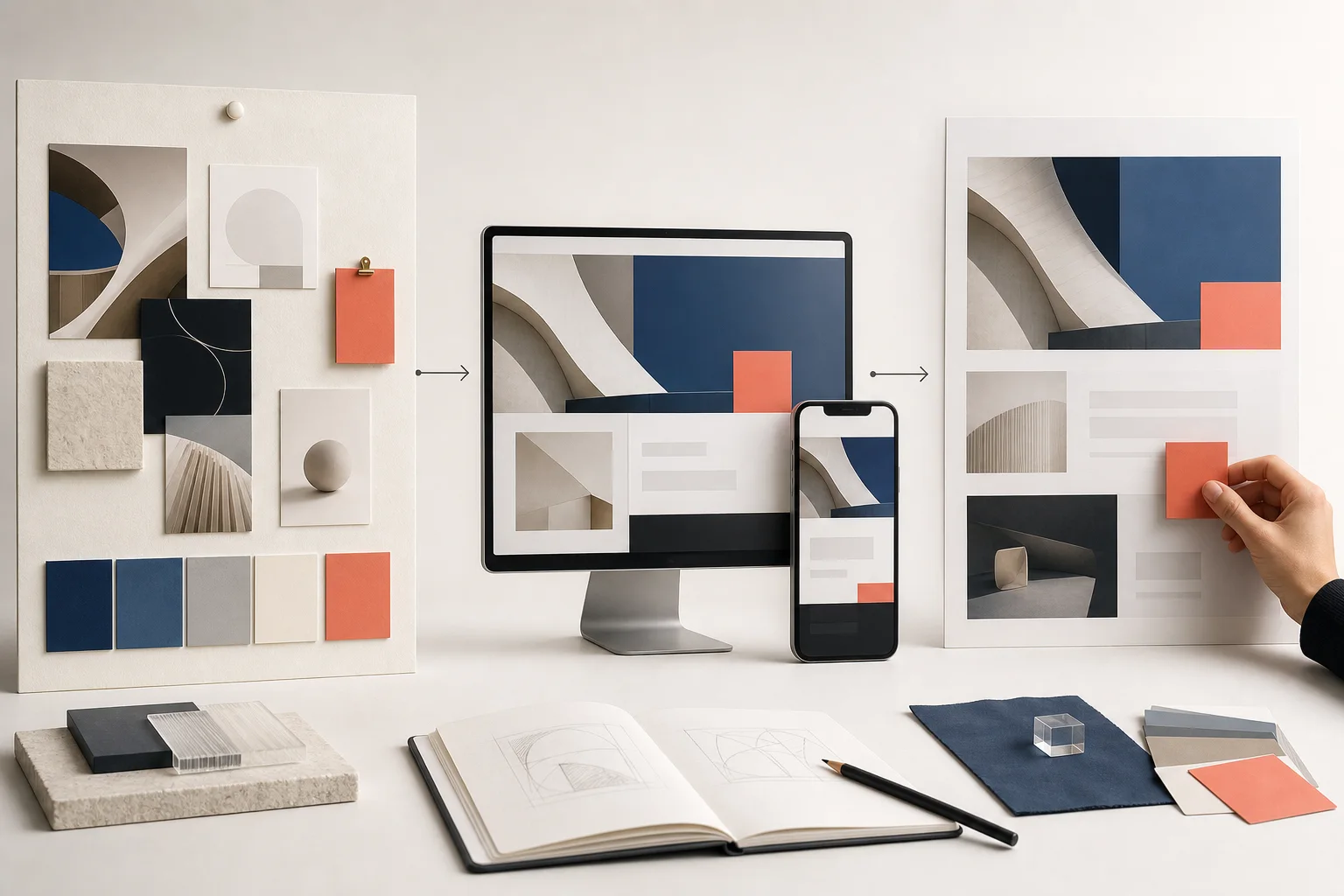
Seeing it sooner doesn't mean skipping UX/UI.
The initial image is meant to aid decision-making, not the final answer. The team still needs to consider the data structure, read order, click points, mobile usage, and business goals. Website UX/UI Design Because a website that looks beautiful but doesn't guide users further is not a website that actually works.
What customers see and can decide on more quickly.
- Overview of the homepage and brand atmosphere.
- The relationship between color, images, and text.
- Display guidelines for Desktop and Mobile.
- Points where communication should be smoother, clearer, or with more emphasis.
4. The creative team screens, refines, and optimizes the concept for the actual brand.
This is the heart of the work. AI can generate many options, but that doesn't mean every option should be pursued. The creative team must select what fits the client's context, refine what seems too generic, and connect the visual direction with the website structure, content, and actual user experience.
AI gives us more options, but choosing the right one still requires people who understand the brand and the users.
Tasks that still require creative judgment.
- Screening: Separate interesting ideas from those that are actually suitable for the business.
- Customize: Reduce the feeling of being ready-made, ensure consistency in details, and create a unique brand identity.
- Setup: Convert the reference image into design direction that the web design and development team can use.
- Check for suitability: Consider aesthetics, readability, credibility, and business objectives simultaneously.
The process of using AI in our website.
Although each project has different details, our overall workflow typically follows this sequence, allowing AI to accelerate the process without compromising the quality of the thinking process.
01. Listen to the request.
Understand the business, its goals, its target audience, and the scope of work before you begin searching for solutions.
02 Exploration with AI
Experiment with different angles to start a conversation, then select only those that are relevant to the brand.
03 Create a Direction
Establish a consistent mood, colors, visuals, and UI design approach before delving into the details.
04. Transform into a brand.
The creative team refines, reviews the UX/UI, and develops concepts for practical use.
Good AI should make your website more representative of your brand.
We're not using AI to make every website look the same, or to generate a large number of images and then select the best-looking one. Instead, we use it to move projects towards clearer communication faster. When the team and the client share a common vision, the design is more likely to be on target, and the time saved can be reinvested in the details that make each website unique.
Start a website that uses technology in a structured way.
If you're planning a new website or want to transform an existing idea into a clear and cohesive vision for your team, feel free to talk to us. We assist you from finding the right direction to developing a website that's perfect for your brand and ready for immediate use.
Consult with the Creative.co.th team about your website project.