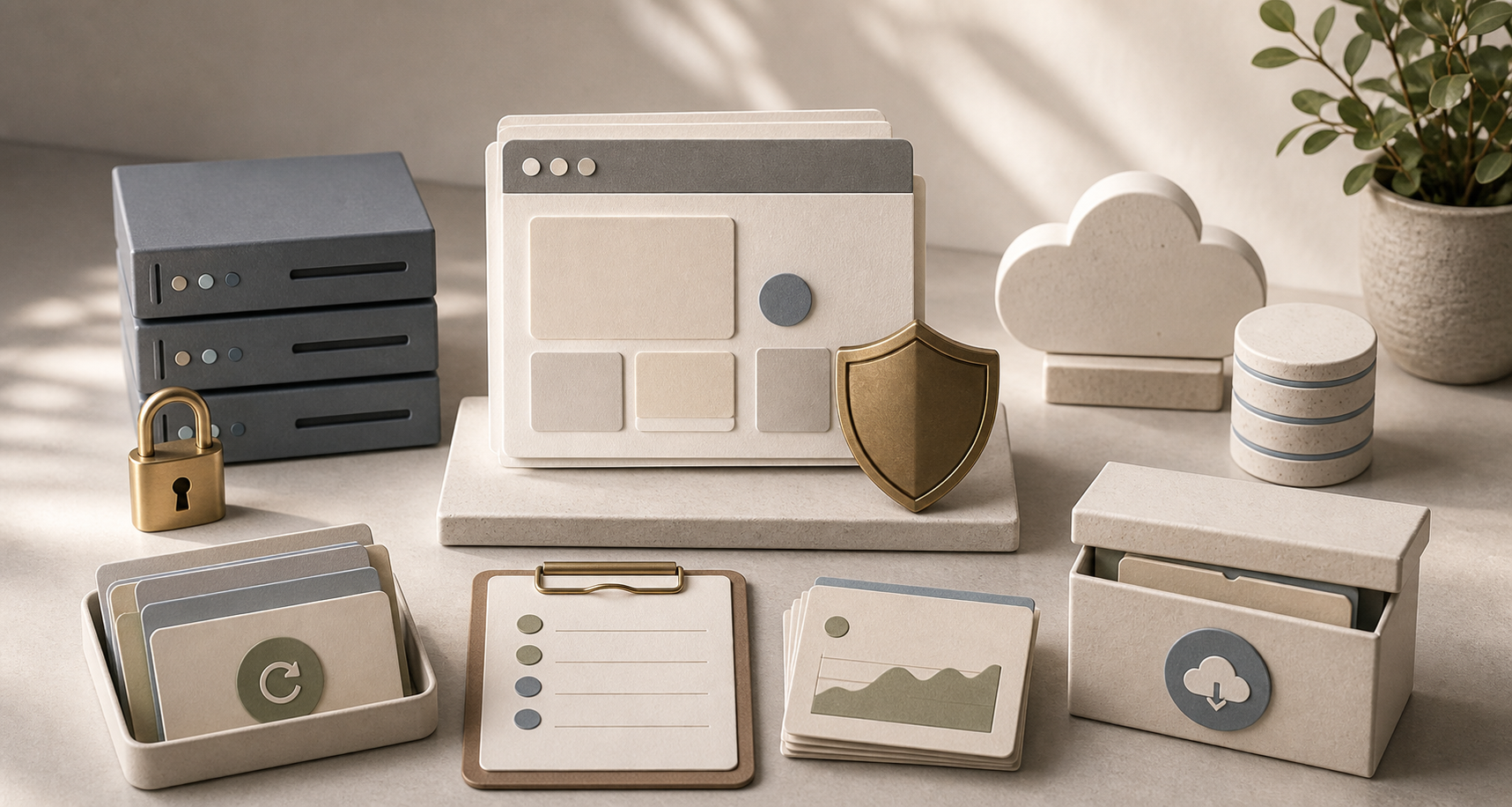
When clients hire a creative team to build a WordPress website, what they see is a beautiful, user-friendly, and sales-ready webpage. However, equally important behind-the-scenes support is the website's backend system. If the website is hosted on a cheap server without robust security, reliable backups, a well-placed cache, and a dedicated update team, it may load slowly, crash easily, or face security risks that the business owner may not even be aware of.
list of contents
What is FlyWP?
FlyWP is a platform for managing WordPress websites on a cloud server, designed to allow web development teams to manage multiple websites more systematically. According to their official website... FlyWP Key features include WordPress management with a Docker environment, caching, SSL, backup, staging, Cloudflare integration, firewall, and tools for managing and updating multiple websites from a single location.
In business terms, FlyWP is more than just file hosting; it's a system that helps organize WordPress website maintenance, especially for websites that require security, speed, and reliable backend management.
How is it different from a regular host?
Many cheap hosting providers offer database storage and leave it to website owners to manage security, updates, and performance. FlyWP, however, is designed to give web administrators a more comprehensive set of tools, such as website-specific system separation, easy SSL activation, caching for improved speed, backups, staging before live website development, and convenient update management.
Why did Creative choose FlyWP?
Creative develops WordPress websites for a wide variety of clients, ranging from company websites, service websites, e-commerce websites, tour websites, real estate websites, to clinic websites. What they all have in common is the desire for websites that load quickly, are reliable, and have dedicated support when problems arise. Therefore, we choose to use tools that help our team work systematically, going beyond simply uploading the website to a host and being done.
For the event. We develop WordPress websites. The backend systems are crucial because WordPress encompasses themes, plugins, forms, membership systems, and marketing tools. Without proper maintenance, a website might start strong but slow down or become vulnerable after a period of use.
Reasons for choosing this for client work.
- Helps to separate and manage WordPress websites more systematically.
- Supports SSL, firewall, and basic security settings.
- There are caching and integration features that help improve website speed.
- Backup and restore functions are available to reduce risk in case of problems.
- You can create a staging/test site before making changes to the live website.
- It helps the Creative team maintain consistent management of multiple client websites.
Compare FlyWP with cheap hosting.

Cheap hosting isn't always wrong, especially for very small websites where the owner can handle technical support. However, for business websites with active customer traffic, contact forms, advertising, sales, or as the face of the brand, choosing hosting solely based on price might save money initially, but you'll pay more in the long run when the website becomes slow, crashes, or data recovery becomes impossible.
| section | FlyWP / A well-managed system. | The host may or may not have a management system. |
|---|---|---|
| safety | There are clearer guidelines for firewalls, SSL, isolation, and management. | Often, you have to configure things yourself, or you don't know what's enabled. |
| Backup | A backup/restore system helps reduce risk. | Some places have backups, but recovery is difficult, or they're unsure when the latest version was. |
| speed | It has caching capabilities such as FastCGI/Redis and can connect to Cloudflare. | The website may slow down as plugins or data increase. |
| Website fixing | You can create a staging/test site before going live on the website. | Making changes on a live website risks causing page distortion or system crashes. |
| Long-term care | Manage multiple websites, update them, and check their status systematically. | I mostly have to memorize, check, and correct things myself. |
Cheap when you buy, expensive when problems arise.
Article Create a website cheaply. Creative put it similarly, saying that the true cost isn't just the initial website development, but also the time lost due to website problems, lost sales when the website is down, and the loss of credibility when customers can't access the site.
Security, speed, and backup: things customers should know.
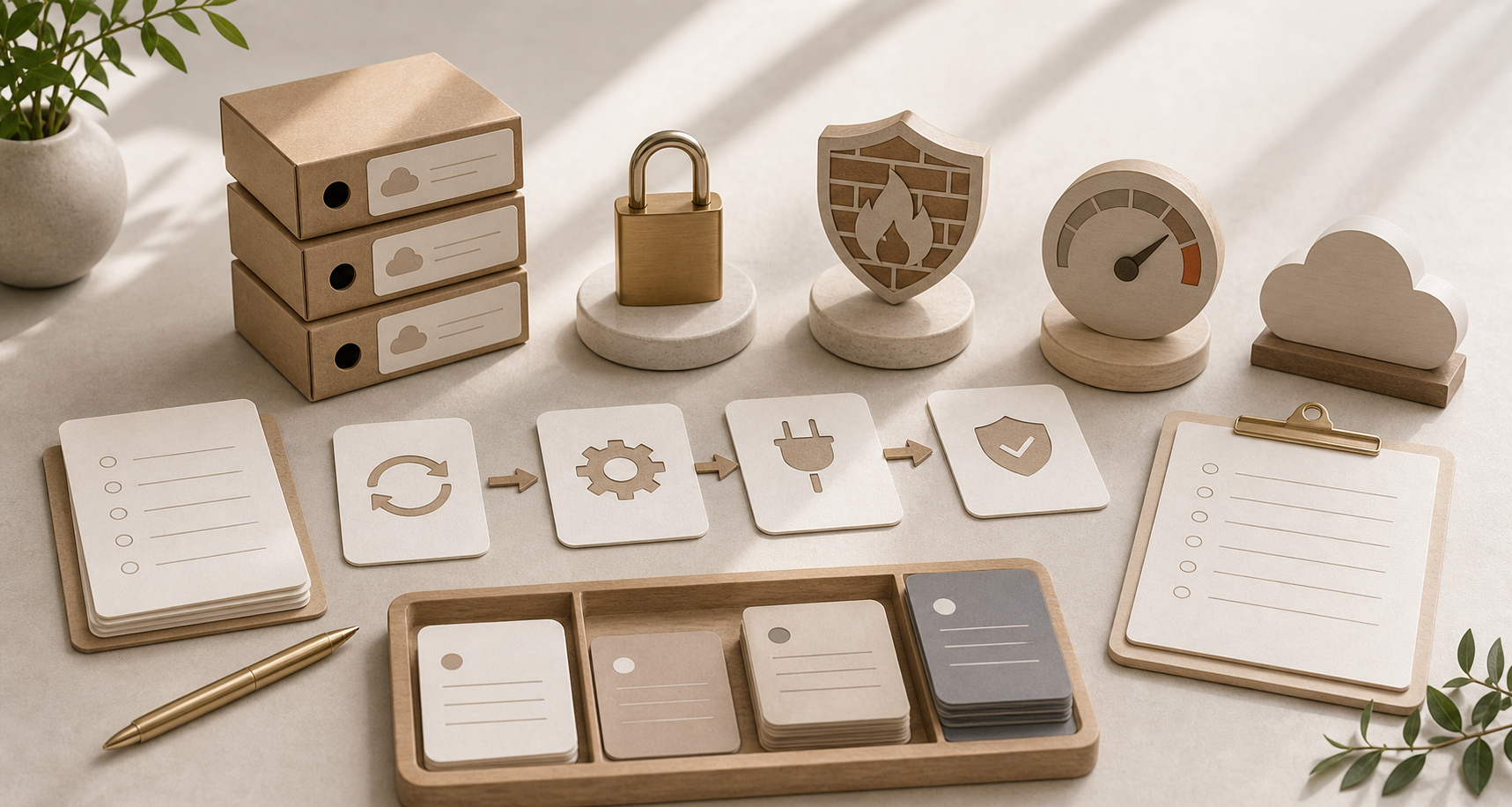
A good WordPress website should have at least four fundamental elements: SSL, backup, firewall, and cache. These four are directly related to trust and user experience. SSL provides secure connections, backup offers a fallback option, a firewall mitigates the risk of unwanted traffic, and cache ensures faster website responsiveness.
For customers using the service. Maintaining a WordPress website. At Creative, we don't view websites as a one-time project, but as a system that requires ongoing maintenance—including updates, troubleshooting, data backup, and customization to meet the specific needs of your business.
Staging helps to provide more confidence in fixing a website.
When updating plugins, changing important pages, or adding new functionality, testing on staging first significantly reduces risk because the team can see the impact before deploying to the live website. Many cheap hosting providers lack this flow, so website owners often have to risk making changes directly on the live site.
Cloudflare and its cache are no small bonuses.
For websites used for marketing, with visitors from ads or multiple landing pages, speed directly impacts conversion. Well-managed caching and Cloudflare connectivity improve website responsiveness and reduce server load during peak traffic periods.
What creative clients actually benefit from.
Clients don't need to know every technical term, but they should know that their website isn't left alone after going online. Creative chose FlyWP because it helps their web maintenance team work more systematically, from deploying WordPress websites, setting up SSL, managing cache, backups, staging, and managing multiple websites for clients more conveniently than a scattered approach.
What type of business is this suitable for?
- A company website that needs to be trustworthy and accessible at all times.
- A website that provides lead generation services through forms and advertisements.
- An e-commerce website or WooCommerce platform with product listings and orders.
- Websites for clinics, tour companies, real estate businesses, or businesses that store customer data.
- A website that requires managing multiple pages, several campaigns, and continuous updates.
A straightforward note.
No system can make a website 100% secure forever. The important thing is to mitigate risk and have ways to handle problems. FlyWP provides the team with better tools, but the actual maintenance still requires people to monitor, update, and make careful decisions.
Checklist before choosing a WordPress host.
Before choosing a WordPress hosting or website management system, don't just ask "how much per month?" Ask further: Who will manage the website if it's down? What support systems are available if it's attacked? Can it be recovered if an update breaks it? And if future features need to be added, is there a staging area to test them beforehand?
Questions to ask before making a decision.
- Does it have SSL and basic security settings?
- Do you have a reliable backup that can be restored, and do you know the backup schedule?
- Is there a firewall or system to filter unwanted traffic?
- Are there caching and performance optimizations suitable for WordPress?
- Is there a staging system for testing before making changes to the live website?
- Is there a backend team to handle the support, or is the website owner allowed to manage everything themselves?
In summary: A good website needs a trustworthy backend.
The reason Creative chose FlyWP wasn't because of its cool name, but because it provided a more reliable backend for managing WordPress websites than cheaper hosts that lacked full support. Since a website is a sales channel, a lead generation channel, and the face of the business, choosing a secure and maintainable backend is a more worthwhile long-term investment.
I want my business's WordPress website to be secure and continuously maintainable.
Creative helps you set up your WordPress website, from website structure and design to installation on the right system and post-launch maintenance, ensuring your business has a website that's not just pretty on launch day but ready for long-term use.
Consult with our Creative team about WordPress website development.