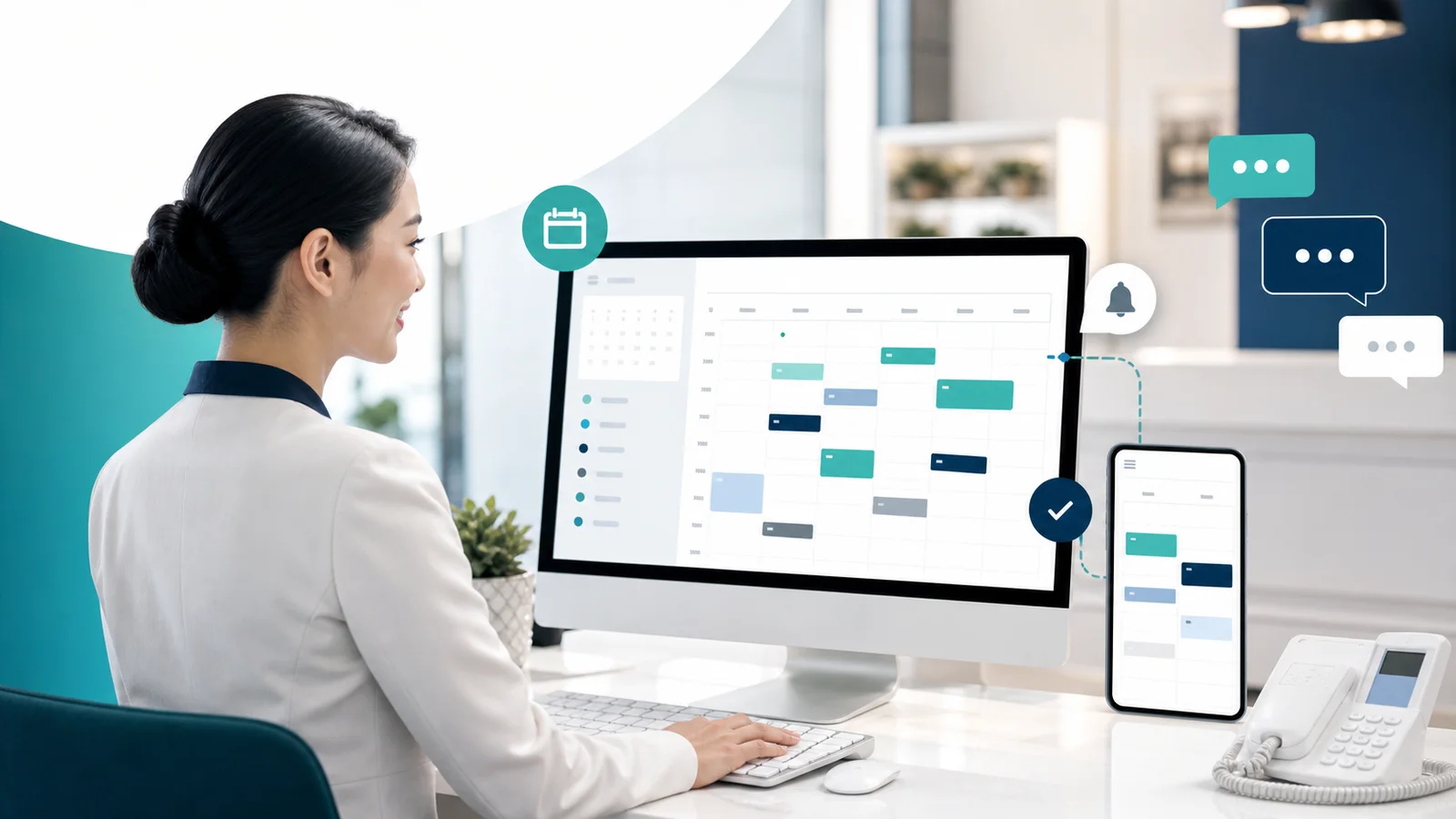
Chat is a good way to communicate, but it's not a good appointment database when a business has many services, employees, or time slots. The more people contacting you simultaneously, the higher the chance of missed appointments and delayed responses.
The online booking system allows customers to select actual available times and provides the team with a consistent view of appointment information, while still leaving room for case managers to discuss details further.
One way online booking systems help reduce repetitive tasks.
The system can obtain the customer's name, contact information, service, date, and time from the outset, reducing repetitive questions in chat and eliminating the need for the team to copy information into files multiple times.
Start with measurable goals.
Start with clear goals, such as reducing chat response time, eliminating overlapping queues, or increasing on-time appointments. Then design the system to collect only the necessary information, not so much that customers are reluctant to fill it out.
Items to prepare before starting the project.
- Services and durations for each item.
- Team working hours and required resources.
- Rules for canceling or postponing an appointment.
- Confirmation and notification messages to send.
Design a booking flow that suits the service.
Some services require staff selection, some require preparation time, or some require a deposit. Therefore, the booking system should reflect the actual business operations, not just provide a calendar with all available options.
Design pathways to make decision-making easier for people.
After a successful booking, customers should be informed of the next steps, such as awaiting confirmation, deposit payment, or receiving notification messages, to prevent them from having to contact you again to inquire about the status. Guidelines for developing appointment booking websites.
Use notifications to reduce no-shows.
Timely confirmations and notifications allow clients to prepare and give them the opportunity to reschedule appointments in advance, enabling the team to manage time and fill available slots more effectively.
Connect related tasks to create a systematic approach.
If you have a website, LINE OA, or CRM system, you should plan which information needs to be forwarded and who owns the appointment details to avoid duplicate entries or overlapping notifications. Example clinic website with online booking system.
Small details that are often overlooked.
Don't set appointment times that are too frequent. Allow time for preparation, pre-existing tasks, and team breaks; otherwise, the system will create unrealistic expectations.
Frequently Asked Questions
Should small businesses have a reservation system?
When repetitive questions, overlapping queues, or frequent need to respond outside of business hours begin, the initial system might start with simple forms and calendars that are easy to manage.
Can the booking system handle all reservations on behalf of the admin?
No, and shouldn't be aimed at that. The system helps organize data, but the administrator is still crucial for cases requiring advice or immediate problem-solving.
Set up a website to work with your real business.
If you want to transition your appointment scheduling from chat to a system, the Creative Plus One team can help design a workflow that aligns with your business's service delivery methods.