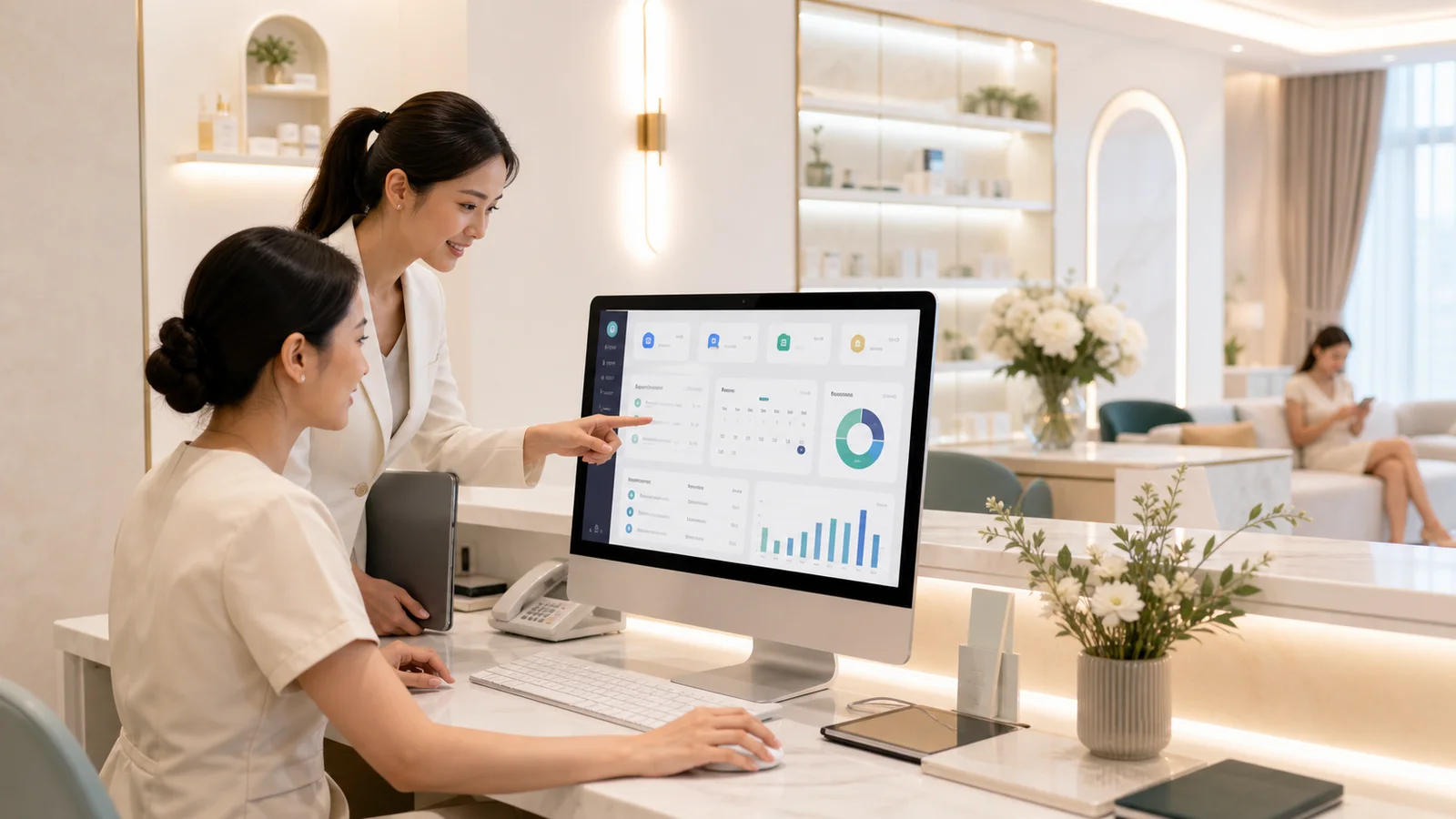
A beauty clinic has data flowing through it almost every minute, from customer bookings and check-in to doctors reviewing patient records, assistants requisitioning supplies, and cashiers processing payments. If each point of contact uses a separate file, chat, or recounts information on paper, the problems that arise are often not just "slow data retrieval," but also overlapping appointments, inaccurate stock levels, incorrect promotional calculations, and management seeing figures slower than they actually are.
Clinic program A good system is not just an online appointment book, but one that seamlessly integrates the workflow from the front desk, examination rooms, inventory, finance, and management reporting. This article summarizes eight key systems that a beauty clinic should have, along with important questions to ask the developer before selecting or commissioning a system.
What problems does the clinic program help solve in daily tasks?
Before selecting a feature, start by looking at the clinic's actual workflow. A single customer might start by seeing an advertisement, booking through the website or LINE, receiving services, purchasing a course, returning for follow-up appointments, and receiving subsequent follow-up. If the information at each stage is inconsistent, staff will have to ask questions repeatedly, re-enter data, and resolve issues on the spot every day.
The goal is to have a single set of data that flows with the patient.
Clinic Management Program Each staff member should only have access to the information they need at the right time. For example, receptionists see queue and contact information, doctors see medical records, stock clerks see requisition lists, and executives see an overview of sales figures, without disclosing all information to everyone.
A good system reduces repetitive tasks but doesn't force the team to work harder.
If employees have to click through more pages or re-enter the same information, the system may have all the features but be impractical. Therefore, design must begin with interviewing on-site users and observing actual workflows, rather than simply copying menus from other clinics.
8 features that a beauty clinic management software should have.
The menu names may vary depending on the system, but the core of... Clinic Management Program It should cover the following tasks, and importantly, the data in each module must be interconnected.

1. Patient information.
This profile combines contact information, allergy history, consent form, how the clinic was learned about, remaining course details, and important documents.
2. Make an appointment with a doctor.
Displays doctor's schedule, room information, and equipment details, prevents appointment scheduling conflicts, and provides appointment confirmation or reminders through designated channels.
3. The queue in front of the store.
Check in, categorize waiting lists (doctor appointment, procedure, payment), and track waiting times at each stage.
4. Medical history.
Records include assessments, procedures, providers, actual usage, consent forms, and follow-up appointments in a chronological order.
5. Stock of medicines and medical supplies.
Receiving, issuing, transferring to another branch, checking lot number and expiration date, and providing notifications before stock runs out or is nearing expiration.
6. Make payment.
We support various payment methods, including deposits, discounts, outstanding balances, and financial documentation, in accordance with the clinic's procedures.
7. Sales Report
View sales figures by branch, service, doctor, marketing channel, and time period, clearly separating sales revenue, actual payment received, and course usage.
8. Employee Rights
Assign location-based permissions, hide costs or details, and record who opened, modified, canceled, or refunded which items.
1. The patient data management system must be easy to search and reduce duplicate data.
Basic information should be searchable by name, phone number, or patient ID, and there must be a method to detect duplicate profiles before creating new ones. In addition to contact information, lead sources, service history, remaining course balance, consent forms, and contact status should also be stored, with appropriate data retention periods determined according to the purpose of the information retention.
Which information is unnecessary and should not be collected simply because the system has a field for it?
Health and medical history information is sensitive. Therefore, form design should differentiate between data necessary for service delivery, financial data, and marketing data, with appropriate processing mechanisms and notification of purpose.
2. The doctor appointment system must have access to all resources.
The appointment calendar shouldn't only focus on the doctor's availability, as some services require specific rooms, equipment, or assistants. The system should check readiness simultaneously to reduce problems with bookings being made but services not being provided, and should support rescheduling, cancellations, deposits, and appointment confirmation status.
If you need to allow customers to book themselves, it should be linked to... Appointment Booking System Only available slots are displayed, not slots that are requested and then require staff to completely rearrange the schedule.
3. The store queuing system must be able to indicate what stage of the customer's order they are in.
The queue system at a beauty clinic isn't simply a matter of numbers, as each client may require different services and waiting times. The system should differentiate between statuses such as waiting for medical history, waiting to see the doctor, in the treatment room, and waiting to pay, so that the reception desk can coordinate without having to ask every room individually.
The numbers that should be measured from the queuing system.
The average time from check-in to service start, waiting times at each point, no-show rates, and the number of queues exceeding capacity—these figures are better for adjusting staffing levels and appointment times than mere subjective feelings.
4. The medical record system must be continuously readable and verifiable.
Physicians should be able to view patient records in chronological order, including consent forms, procedures, recorder, and follow-up appointments, on easily readable pages. If important information is modified, the system should retain a record of the changes, not overwrite them to the point where it's impossible to verify the original information.
5. The stock system must deduct stock based on actual usage, not just when a course is sold.
The sale of courses and the use of medical supplies occur at different times. Therefore, the system must separate service entitlements from actual reimbursement and should support lot numbers, expiration dates, multiple units of measurement, branch transfers, balance adjustments, and inventory counts to ensure service costs are as close to reality as possible.
6. The payment system must be able to handle cases more complex than simply issuing receipts.
The clinic may have deposits, packages, split-end courses, vouchers, member discounts, multiple payment options, and outstanding balances. The system should be able to identify which funds are deposits, sales, or received revenue, and define approval procedures for cancellations, refunds, or price adjustments.
7. The reporting system must answer business questions, not just provide visually appealing graphs.
Management should be able to see which service, branch, marketing channel, new or existing customer, and the outstanding course balance. A good report should allow drilling down to the original source and should be able to export data for review or further action according to access rights.
8. The employee access rights system needs to be more detailed than just using the terms "Admin" and "User".
Doctors, receptionists, cashiers, stockists, marketing staff, branch managers, and business owners don't necessarily see the same information. Comprehensive clinic program Access rights should be defined based on function and branch, along with audit logs for viewing key information, modifying prices, canceling orders, and exporting data.
The features need to be interconnected, not just present in the list.
Some systems have complete menus for patients, queues, stock, and reports, but the data isn't flowing smoothly. Staff still have to re-enter entries from one page to another. A better way to evaluate than just looking at the feature list is to ask the provider to demonstrate a real-world scenario from start to finish.
Customer books online → Staff confirms → Customer checks in → Doctor records treatment → System deducts medical supplies by lot → Cashier processes deposit and receives balance → Follow-up appointment → Sales and costs are entered into report.
API integration helps reduce data islands.
Clinics may need to integrate their website, booking system, LINE OA, payment gateway, accounting, or BI. Therefore, the system should have a clear integration approach, whether it's via API, webhook, or file import and export. For those studying system integration, further reading is available. What is an API and how does it help reduce repetitive work?
Just because something can be connected doesn't mean you should connect everything on the first day.
The prioritization should start with the tasks that minimize duplication or errors the most, such as scheduling doctor appointments or managing medical supplies in stock, and then add marketing systems and advanced reporting later.
What type of clinic is an online clinic program suitable for?
Online clinic program Accessible via a web browser, the system allows different branches to use the same data set, enables management to view reports remotely, and allows development teams to update the system centrally. This is ideal for clinics with multiple branches, doctor rotations, or expansion plans.
| Issue | Online system | On-site system |
|---|---|---|
| Access | Valid at multiple branches depending on entitlement. | Usually limited to a designated network. |
| Care | Update and back up from a central location. | The equipment and internal systems need to be maintained. |
| When the internet is having problems. | You need a backup plan for your work. | It might be able to continue working on the LAN. |
| Branch expansion | Adding users and branches is easier. | Additional structural elements need to be added at each point. |
No single model is automatically secure. Online systems must consider encryption, authentication, backups, data locating, and provider controls. Internal systems, too, must manage hardware, servers, backups, and protect against internal threats.
Safety and PDPA regulations must be designed from the outset.
Clinics manage highly sensitive personal, contact, and health data. Therefore, data protection shouldn't be an add-on plugin before the system is operational, but rather integrated into the permissions structure, event logging, and workflows from the outset.
Things you should ask the system developer.
- How does the system encrypt data during transmission and storage?
- Does it support Two-factor Authentication and Session Timeout?
- How granular can you define access rights based on position, branch, and data type?
- What events are recorded in audit logs, and can general administrators modify the logs?
- How often do you back up your data? How many copies do you keep, and have you ever actually tested a data recovery?
- When an employee resigns, can their privileges be revoked and their usage reviewed retrospectively?
- What procedures are in place to handle requests for data subject rights and data breach incidents?
The term "cloud" isn't the complete answer to security concerns.
Further questions should be asked about who manages the system, what measures are in place, what testing or monitoring is conducted, and how the clinic can access the data when switching providers. All of this should be clearly specified in the scope of work and contract.
Should you choose off-the-shelf software or a custom-made system?
Off-the-shelf software is suitable for clinics with workflows that are close to standard, who want to get started quickly, and who can accept specific report formats or system limitations. Custom-built systems are ideal for clinics with multiple brands, branches, complex course regulations, the need to integrate with existing systems, or specific procedures that create a competitive advantage.

Don't judge solely on the development cost.
True costs include monthly fees, costs for adding users or branches, connectivity fees, training costs, data migration costs, the time it takes for the team to adapt, and downtime costs. A cheap system that cannot export data or adjust workflows may become more expensive as the clinic grows.
The customization process should begin with Discovery, not immediately starting with coding.
project We offer custom software development for clinic systems. It's best to start by mapping the workflow of users, data, and key conditions. Then, break it down into phases, such as patients and appointments first, followed by treatment, stock, finance, and reports. This approach allows the team to experiment quickly and reduces the risk of building a large system all at once.
Checklist before choosing a clinic management program.
- Write the current workflow. From accepting appointments to closing accounts, and highlighting points where data is frequently entered repeatedly or incorrectly.
- Distinguish between Must-have and Nice-to-have. To prevent the project from exceeding budget and causing delays in its launch.
- Test it in real-world situations. This includes cases of rescheduled appointments, no-shows, deposits, course usage, refunds, and branch transfers.
- Verify access rights and audit log. Provide detailed information and key actions.
- I have a question about data migration. This includes both importing and exporting existing data upon service termination.
- Designate the system owner on the clinic side. There should be someone to make decisions and oversee the data standards.
- Plan for training and activation. It could start with one branch or one module at a time, along with support channels.
- Define indicators. For example, waiting time, stock discrepancies, no-show data, closing times, and report generation times.
If the clinic still needs to develop new customer channels alongside its internal systems, it can refer to these guidelines. Beauty clinic website with online booking system. To create a continuous flow of information from customer discovery and booking to customer information reaching the front-line team.
Design the system to fit the actual working methods of the clinic.
A cost-effective clinic program doesn't need to start with every feature at once. Instead, it's crucial to structure the data and permissions correctly from the beginning, allowing for the addition of branches, system integration, and report development without needing to rework everything.
The Creative Plus One team helped analyze the workflow, design the UX/UI, and develop the web application for the clinic within the required scope, along with outlining phases for the team to use and monitor results along the way.