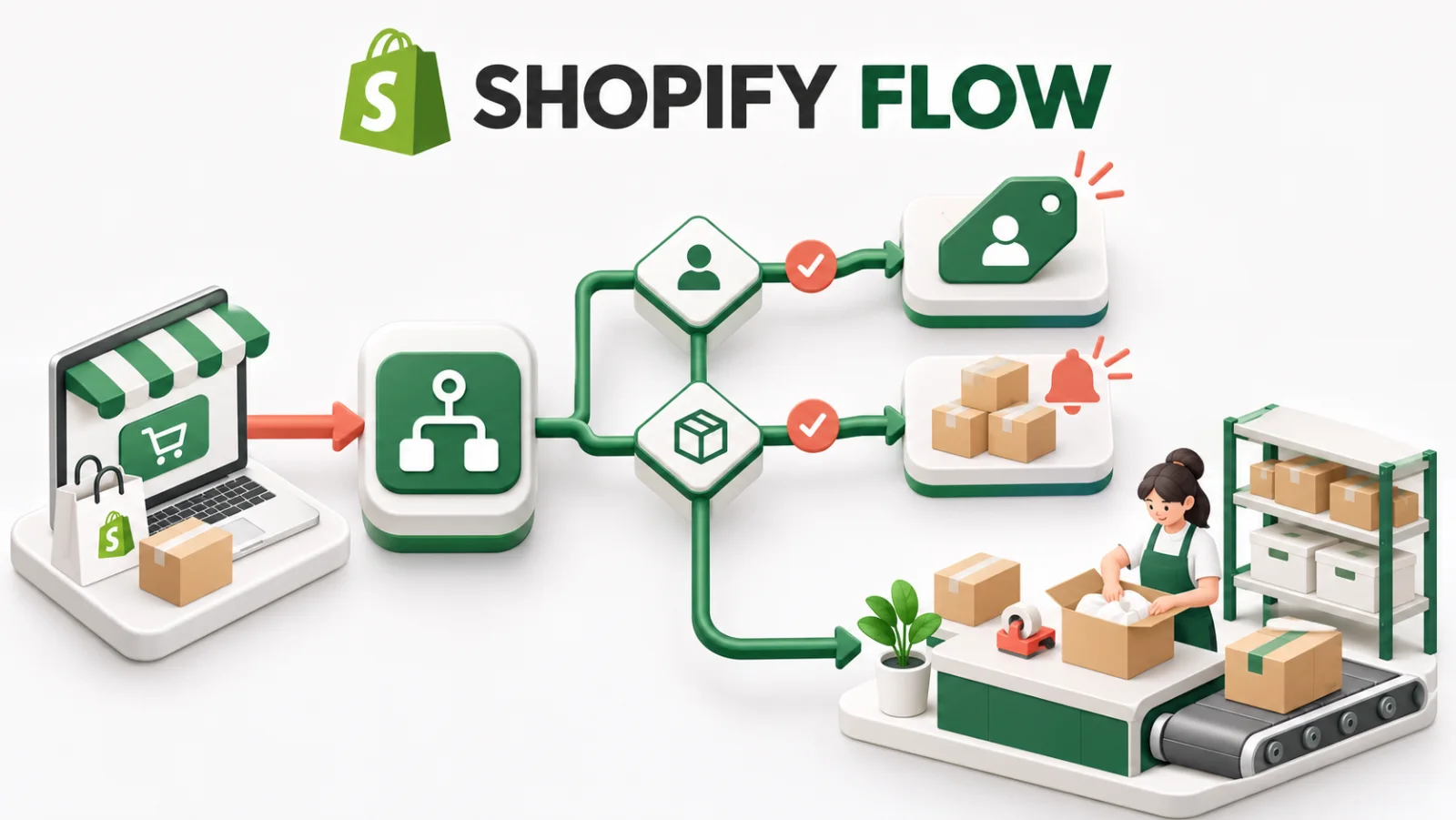
Shopify Flow is a tool for automating tasks using events, conditions, and commands. For example, when an order meets a specific condition, the system tags or notifies the relevant team. This is ideal for businesses that are spending too much time repeatedly checking orders daily, rather than rushing to add an app without knowing where the task is stalled.
How does Shopify Flow work?
Imagine the day when a team had to open orders one by one to check for pre-orders. Flow helps start the process from the event that occurs, checks the conditions, and then performs the predefined actions, without requiring someone to constantly monitor the admin screen.
Trigger, Condition, and Action
A Trigger is the starting point, such as a new order. A Condition is the question the system needs to answer, such as whether the product matches the order. An Action is the subsequent task, such as adding a tag to the order. The important thing is to choose the event when the data is readily available, not always starting as early as possible.

10 tasks that are suitable for starting to automate.
- Tag orders that include pre-ordered items.
- Notify the team when stock falls below the threshold.
- Separate VIP customers according to the store's rules.
- Notify those who need to review and assess the risk of an order.
- Separate orders that use special shipping methods.
- Notify the customer service team when you find a product that needs installation.
- Group wholesale orders for forwarding to the B2B team.
- Add tags for campaigns that need to be reported separately.
- Forward the task to an app that supports Flow integration.
- Calling external services via HTTP when the package and endpoint support it.
These are workflow design guidelines. You must check the triggers and actions that exist in a real-world store before creating them, especially for tasks that rely on data from other apps.
Packages and costs for required tests.
According to Shopify documentation reviewed on November 3, 2026, Flow apps are compatible with Basic, Grow, Advanced, and Plus packages, but sending HTTP requests is only available from Grow onwards. Custom partner apps have Plus requirements, so you should check your needs before choosing a package.
A free app doesn't mean the total system cost is zero.
There may be end-user app fees, intermediary hosting fees, and downtime for troubleshooting errors. The shop should calculate based on actual saved hours and the number of items that need to be corrected. If you start connecting multiple systems, you should read up on the basics. API for E-Commerce Together
Start with one task, then test all of them.
Prioritize frequently performed tasks with clear rules and easy redress, such as internal tagging. Avoid automatic refunds or order cancellations immediately, as even a single incorrect data entry can instantly impact customers.
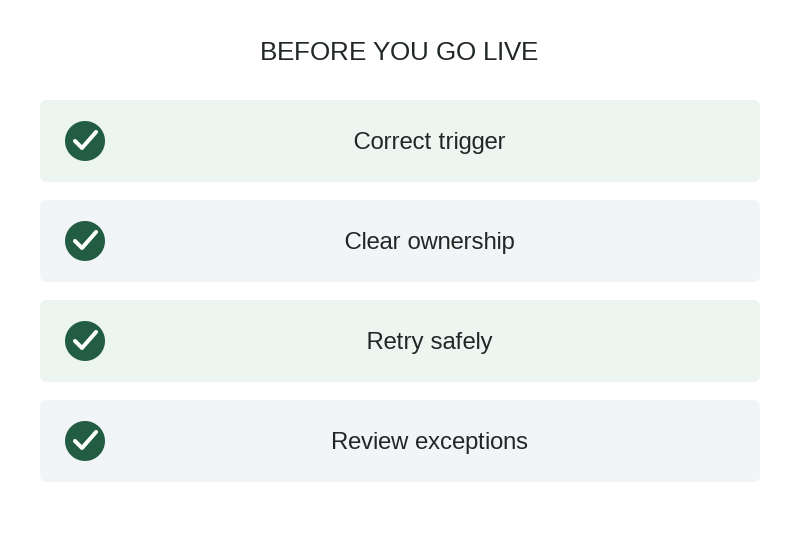
Perform a test run before opening the workflow.
Test both cases that meet the criteria and those that do not meet the criteria.
Create multiple mock orders and review the order history to ensure the system selects only the desired items and the team understands what each tag means.
In case the information changes after starting work.
Try modifying the product, changing the address, or canceling the order after the trigger is executed. If the recipient receives the event repeatedly, you must prevent the duplicate task or message from being created.
Frequently Asked Questions
Does Shopify Flow require any coding?
Basic tasks can be created using the workflow editor, but integrating specific systems or transforming complex data may require APIs and developers.
Can Flow be used as a replacement for ERP?
Flow isn't ideal for coordinating based on events, while ERP still manages accounting regulations, purchasing, inventory, and core organizational data.
If you're planning a new store, consider the services. We develop Shopify websites. Or read the basics. API for E-Commerce To prepare information for a work discussion.
References
Information checked on November 3, 2026. Features and package terms and conditions are subject to change.
To reduce repetitive tasks in your Shopify store, start with the tasks that take up the most time for your team.
Creative Plus One can help you with backend workflow exploration, setting up Shopify flow, integrating apps and APIs, and testing the rules before launch. Send us examples of your current workflow for our evaluation.