
Shopify Customer Accounts are where customers can view and manage their information, such as order history, address, and after-sales service. When well-designed, this page helps reduce repetitive questions in chats and makes it easier for customers to return for future purchases. Additional features depend on the store's settings, apps, and packages.
What tasks should a customer account page help complete?
People accessing their account usually have a clear goal: they want to check the status of their order, reorder items, or correct their address before their next purchase. Hiding these tasks behind multiple layers of menus forces customers to ask the admin anyway.
Ordered from post-sales questions.
Review frequently asked questions from the team and use them in the design, such as how to open order details, track packages, and submit return requests. The accounting system is part of the service, not just a page for entering information during registration.

Login and basic features.
The current version of Shopify's Customer Accounts uses email and one-time verification codes as the primary login method, eliminating the need for traditional password creation. Stores may have other options depending on supported permissions, so it's best to check the actual store settings page before designing a new login process.
- View order history and details.
- Manage profile and address information.
- Repeat order from supported history.
- Submit a return request after the store opens and sets its terms and conditions.
A customer accounting system doesn't automatically mean it includes a points program, membership courses, or premium privileges. Those features need to be designed separately based on the business model.
How can I further develop this with apps or extensions?
Stores can add points, favorites, membership benefits, or warranty information using Shopify-supported apps and extensions. The information should be in a relevant location; for example, return rights should be linked to the order, and points should be linked to the items earned and used.
Separate identity verification from licenses.
Successful login confirms identity, but it doesn't specify what information they have access to. Linking a member to LINE or other systems requires account ownership verification; matching based solely on displayed names is inappropriate. For phone number verification, please refer to the guidelines. SMS OTP for Shopify More can be added.
Preparing to migrate from Legacy Customer Accounts.
Review the old Liquid page, member management links, and apps that tap on the account page, as some of the old customizations may not have migrated. It's a good idea to list what customers actually use and compare it to the apps that support the new system.
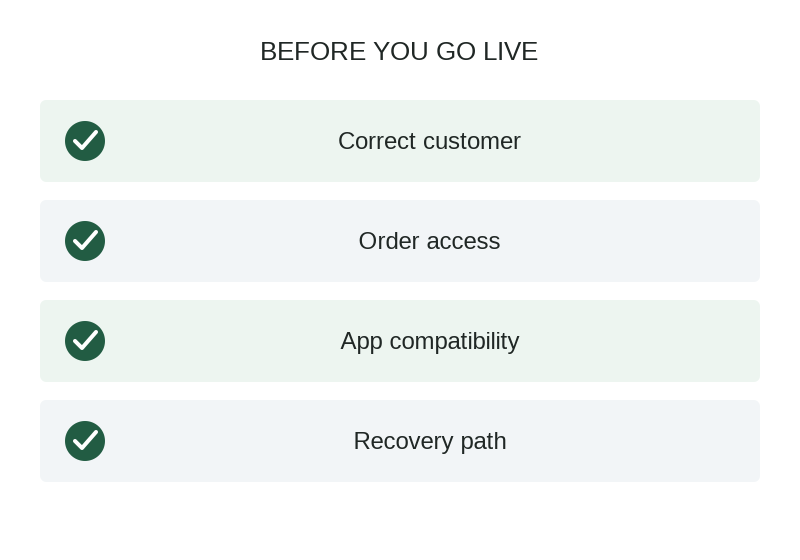
Tested with multiple real-state accounts.
Review your order and personal information.
Customers should only see their own items. Links from old emails and the restaurant menu should lead to the correct location.
Accounts that have changed email addresses or have been duplicated.
Establish clear order handling procedures. Avoid using email changes as a way to automatically merge orders, and let the support team know who to forward issues to when they encounter errors.
Frequently Asked Questions
Does Customer Accounts have a points system?
Customer accounts serve as a platform for displaying information, but points programs and loyalty programs require additionally designed apps or systems.
Can I customize my account using the original theme?
Not all parts are included. The Customer Accounts system uses its own customization and extensions. Compatibility must be checked before migrating.
If you're planning a new store, consider the services. We develop Shopify websites. Or read the basics. API for E-Commerce To prepare information for a work discussion.
Read more related articles.
- How to create a wholesale website with Shopify B2B: Which package should you choose?
- What is Shopify Flow? 10 tasks that can be automated in a shop.
References
Information checked on November 3, 2026. Features and package terms and conditions are subject to change.
Create a Shopify account page for customers to manage their own affairs.
Creative Plus One helps optimize Customer Accounts, synchronize member data, points, and after-sales service, and handles account migration from old accounts. Tell us about your frequent admin interactions so we can help design a new interface.