
When choosing between a ready-made Shopify app and a custom-developed app for your store, consider how well it matches your existing capabilities. Ready-made apps are suitable for standard problems that can be quickly implemented. For tasks requiring specific system integration or multiple layers of rules, custom design might be more cost-effective, provided you also consider post-launch maintenance costs.
Start with the job you need, not the list of apps.
Write down the actual workflow, such as a customer purchasing a product, the delivery team sending tracking numbers, and the accounting system generating documents. Then, mark where data is still being manually copied. Knowing where improvements are needed will provide a more reliable evaluation criterion for app testing than simply relying on star ratings.
Separate what is essential from what can wait.
The priority might be compatibility with the company's existing ERP system, while additional button features or reports can wait. A clear separation of tasks helps reduce both duplicate app purchases and writing unused features.

When should you choose a ready-made app?
This is suitable when the requirements are standardized, such as reviews, favorites lists, or certain types of promotions, and the app supports themes, languages, sales channels, and packages used by the store. It's recommended to test with actual data and equipment before permanent installation.
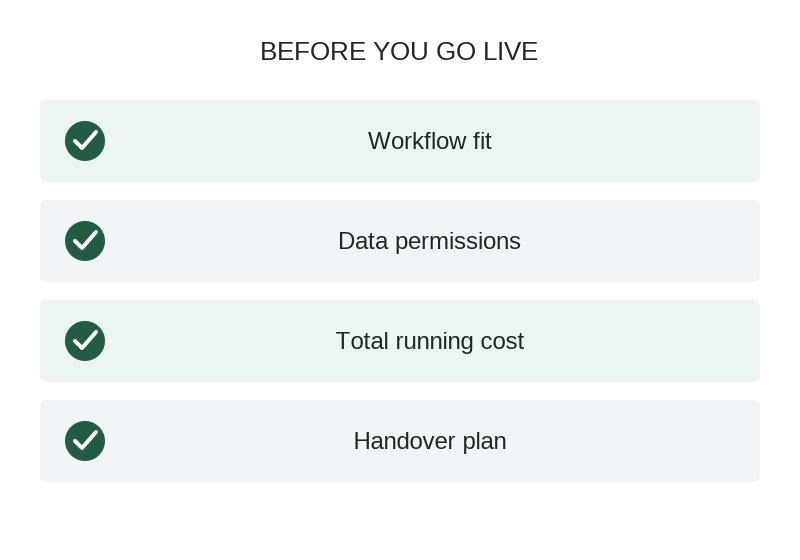
- Check service fees when the number of orders or customers increases.
- View data access permissions and the steps to delete data when you no longer need it.
- Check if the exported data is in a usable format.
- Inquire about support and limitations of the API.
The term "Shopify compatible" doesn't guarantee compatibility with all store apps, so you should test your cart, customer accounts, and checkout page after installation.
When should we focus on developing specific stores?
Integrating older ERP systems, specific pricing rules, or back-end functionality for multiple departments may require further development. Using Shopify as the store's base and building only the business process components would be beneficial. App development doesn't remove package limitations or allow for unrestricted modifications to every page of Shopify.
Calculate the cost throughout the usage period.
The cost includes design, development, hosting, security checks, and API updates. The one-time development cost should not be compared to the first month's app cost. For examples of multi-system integration, see... Integrating Shopify with ERP The easier tasks might start with... Shopify Flow Got it first.
Agree on responsibilities before starting development.
Specify who holds the host account, who maintains the source code, and who receives fault notifications, as well as how data is handed over when administrators change. Don't leave critical systems understood and accessed by only one person.
Test according to the actual workflow.
Check eligibility and impact on stores.
The app should request only necessary permissions and not slow down the storefront with scripts that load every page without reason.
Uninstall the app or the destination stops working.
Determine how stores can still accept orders and whether pending tasks can be resumed once the system is ready, along with a plan to revoke access to unused data.
Frequently Asked Questions
Can I write a custom app and sell it on the App Store?
Not immediately. The distribution model and requirements for public apps are different from those for single-store apps. Targeting needs to be done from the start.
Is it possible to use a ready-made app with a custom-written system?
Yes, if there is a suitable API or extension and the provider's conditions support it.
If you're planning a new store, consider the services. We develop Shopify websites. Or read the basics. API for E-Commerce To prepare information for a work discussion.
Read more related articles.
- What is Shopify Flow? 10 tasks that can be automated in a shop.
- Where do I start connecting Shopify with my ERP, Accounting, and Inventory ERP?
References
Information checked on November 3, 2026. Features and package terms and conditions are subject to change.
Choose the most effective way to add Shopify features for your actual needs.
Creative Plus One helps evaluate existing apps, develop Shopify apps, and integrate APIs based on business processes. Send us your existing app's workload so we can help you choose a suitable approach and budget.