The shop receives orders every day, but when the team needs to call to confirm addresses, they find that the phone numbers are too short by one digit, some people have entered old numbers, and some orders don't have a contact number at all. This small problem during data entry turns into a back-end task, and it becomes even more apparent when the shop wants to implement a membership or loyalty points system.
SMS OTP system for Shopify This helps stores define a process for entering mobile numbers and verify that customers can actually receive codes from those numbers before proceeding with transactions at points where the system supports it. But what's more interesting than just sending codes is the ability to leverage phone number verification to build a member database, integrate with LINE, loyalty programs, and CRM in a systematic way.
Creative Plus One Company We offer services for creating mobile number verification systems via SMS OTP on Shopify. This includes designing the data entry page, integrating SMS service providers, and connecting to the backend system. It starts with reviewing the Shopify plan, customer account types, and the steps the store wants to enforce, in order to define the realistic scope before development begins.
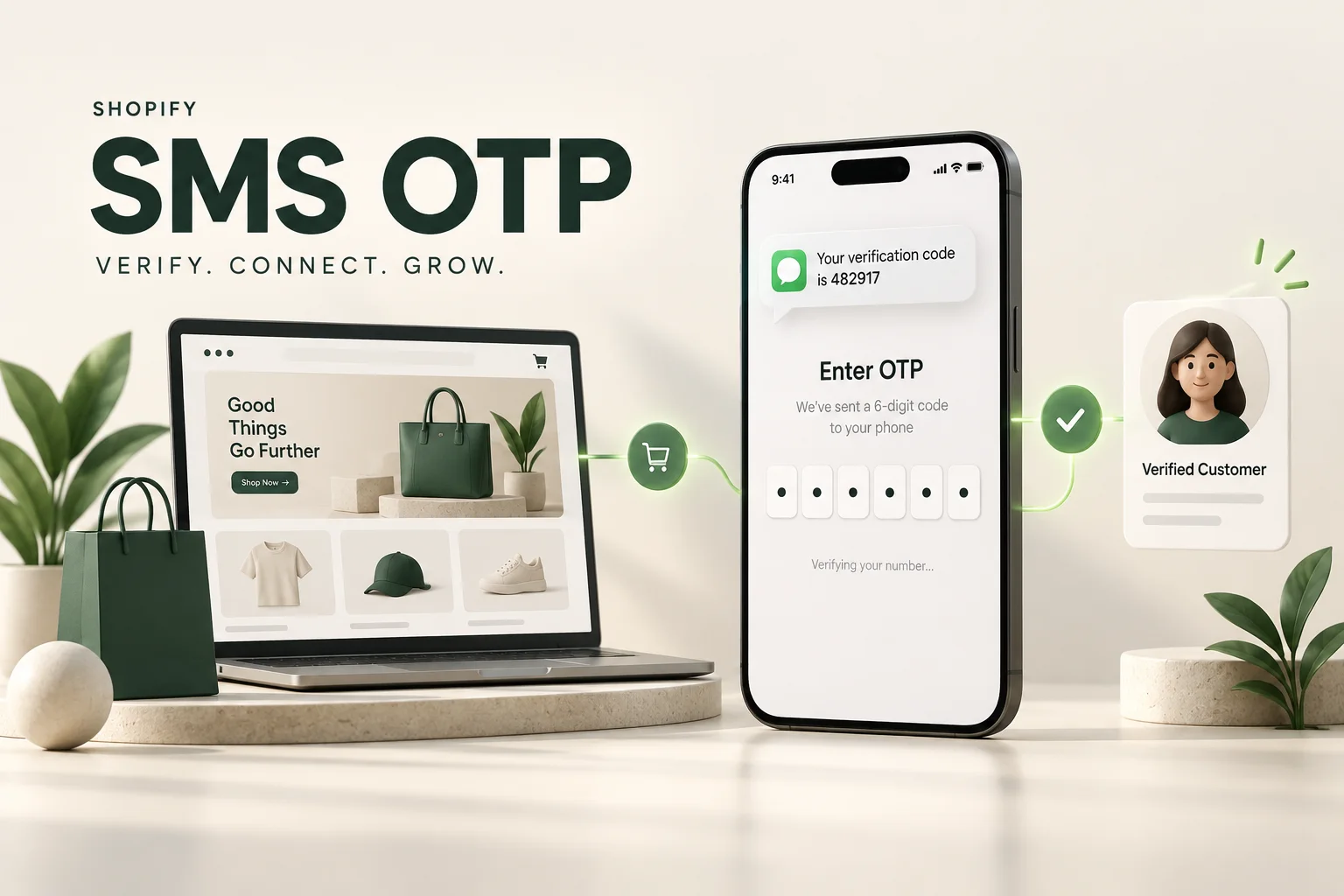
What is the difference between being required to enter a mobile number and verifying the number via SMS OTP?
Fields marked with an asterisk prevent customers from leaving them blank, but they don't indicate whether the number can receive calls or messages. Format checking only verifies that the number is entered correctly. OTP adds an extra layer of security by sending a one-time code to the specified number, which the customer then uses to verify.
1. You must enter your phone number.
Please leave no spaces blank and check the phone number format. It's suitable for storing contact information, but it's not yet a verified number.
2. You must verify the OTP.
Verify that the user had access to the messages sent to that number at the time of verification. This is suitable for membership registration or claiming benefits as specified by the store.
3. This must be approved before proceeding with the transaction.
The confirmation result should be used as a system condition, such as before redeeming points or before making a purchase on supported routes. The system-side checks need to be enhanced, not just hidden buttons.
OTP therefore helps increase confidence in the contact method, but...It does not legally verify identity, does not confirm that the recipient of the code is the registered owner of the SIM card, and does not prevent all forms of fraud. Businesses should choose the approach that best suits the risk level of each step. It's not necessary to require customers to reconfirm their order every time they open the website.
Where in Shopify can I request that someone enter and verify a mobile phone number?
Before starting the work, we'll ask clearly, "Do you need a contact number?" or "If you don't confirm the number, the transaction cannot proceed." These two scenarios require different approaches and budgets. If you're setting up a new store, you can design this aspect together with the initial setup. Shopify website development services. To ensure that subscriptions, purchases, and back-end operations use the same set of data from the start.
Save phone numbers during checkout using the store's settings.
Shopify offers an option to require a phone number in the shipping address field, but this is for data collection, not sending an SMS OTP, and should not be assumed to cover all digital products or items without a shipping process. See the scope for details. Shopify Checkout Form Setup Documentation
Verify your phone number before accessing your membership or claiming any benefits.
We can design a page or add-on app for customers to fill in their phone number, receive a code, and verify before using features we control, such as activating a membership, redeeming coupons, or accessing special offers. However, this requires connecting to the existing customer account version your store is using; simply integrating a form into a theme doesn't automatically change the entire Shopify login system.
New Shopify customer accounts use a one-time code sent via email as the default method. Replacing OIDC sign-in with a store verification provider is a feature of Shopify Plus. Customer account login options. Therefore, the task of "verifying a secondary phone number" must be clearly separated from "logging in with a phone number instead of email."
Mandatory confirmation is required before completing the order.
For checkout-level conditions, your store plan and app capabilities need to be reviewed on a case-by-case basis. Adding fields or steps with Checkout UI Extensions to the Information, Shipping, and Payment pages is only supported on Shopify Plus. Public apps using Shopify Functions and Custom Apps have different terms of use. (Reference) Checkout Apps capabilities table according to Shopify plan.
What features should a practical Shopify SMS OTP system include?
The code entry page may only have a few fields, but a good system must take care of both customers who are in a hurry to make a purchase and the team that has to answer questions like, "Why hasn't the code arrived?" Therefore, we designed the process from the normal steps to the point where SMS service providers are delayed in sending the message.

A data entry page that prevents customers from getting disconnected midway.
- Check the supported phone number formats for each country and convert the number to a standard format.
- Displays a partially obscured destination number, with an edit button for incorrect entries.
- Supports OTP entry and assistance on compatible devices.
- Indicate the resend time, expired code, or the number of attempts with clear and easy-to-understand text.
- There is a way to contact the team if you don't receive the SMS without having to skip the verification process.
A backend system that manages risk and SMS costs.
The system should restrict sending based on phone number, device or network, and time period, along with setting code expiration dates, the number of try attempts, and a cost cap to reduce duplicate sending and misuse of the SMS system. Codes must be single-use, server-side validation, and not stored as readable messages in general logs.
The verification status must be linked to the actual phone number used for checking.
"Verified" shouldn't be used indefinitely. The system needs to know which phone number was verified, when, and which account it's associated with. If a customer changes their number or enters a different number during the verification process, the system must re-evaluate and re-verify according to the rules, preventing the old number's status from being transferred to the new one.
When the original phone number changes ownership or the member can no longer access the account.
Account recovery and authentication procedures should be in place. Do not combine two accounts or transfer points simply because the same phone number was successfully entered today. Mobile numbers may have changed hands, so it's best to use your system membership code as the primary contact and keep your phone number as verified contact information.
Separate phone number verification from newsletter reception.
Entering an OTP does not automatically subscribe you to advertising SMS messages. The store should explain what the information will be used for, separate newsletter subscription options, maintain a history of necessary settings, and allow customers to customize them. They should also define who on the team has access to the data and how long it should be retained.
My phone number has been verified. How can I leverage this with LINE's points system and CRM?
The value of OTPs isn't in the number of codes sent, but in how merchants use the verified data effectively. We recommend prioritizing solutions that address your point-of-sale needs first, and then expanding the system as your business grows. There's no need to implement everything at once.
Integrating LINE allows members to view information and receive services more conveniently.
After verifying their phone number, customers can choose to link their store account to their own LINE account to view points, access coupons, check order status, or access their member page via the Rich Menu. This approach connects the online shopping experience with the channels customers already use to communicate with the brand.
The key point is... Knowing someone's mobile number doesn't mean you know their LINE user ID, and it doesn't allow you to immediately send them a message on LINE. An account linking process is required that properly verifies users, such as LINE Login or Account Linking, including checking the recipient criteria and the connection status with LINE OA.
For a more detailed overview, please see... LINE Login, LIFF, and LINE MINI App Regarding account linking, it should be based on... LINE's Account Linking Guidelines And there is an option for customers to unlink their accounts.
The points accumulation system is based on member, not on the text entered in the phone number field.
Set up a central membership account to receive points from Shopify orders and display the balance, membership level, or coupons on the website and via the linked LINE account. You might require phone number verification before using the reward or additional verification when redeeming high-value rewards, depending on the risk level.
The rules must cover how points are awarded at checkout or upon order completion, how refunds are processed upon return of goods, and how to prevent duplicate point awarding when the system notifies of the same event again. OTP is only a tool for account processing and does not replace the points calculation system or these terms and conditions.
Integrate CRM to give the service team a continuous view of customers.
Display Shopify customer IDs, verified phone numbers, order history, and LINE account linking information in the CRM or Dashboard based on team permissions. For example, when a customer inquires about a product, the customer service team can view related orders without requiring the customer to resend details each time.
This type of work uses... Connecting APIs to e-commerce systems. To send data between systems, a clear primary data source must be defined, error logging and secure retransmission are required. Data consistency is not assumed simply because an API is connected.
Other ideas for making good use of verified phone numbers.
- In-store and online members: Link your account with a supported POS system. Ensure your account and permissions are correctly linked before merging your purchase history.
- Register your product for warranty: Link order and product numbers to your account, along with ways to track service requests.
- Appointment or branch pickup system: Please confirm your contact method before booking and send appointment information via your chosen channel.
- Member coupons and referral program: Add a phone number verification requirement before claiming the benefit, along with rules to prevent duplicate use of the benefit, so you don't have to rely solely on OTP.
- Confirming the exercise of important rights: Request additional codes only for high-risk items, such as reward redemptions. High-value items may require other measures.

Example: From new member to repeat purchase via LINE.
Consider a skincare store that sells through Shopify and already has a LINE OA. Many customers are repeat buyers, but the team has to open multiple screens to find orders and points. We can design a sample customer journey like this:
- Verify your phone number following the steps provided: Customers enter their phone number, receive an SMS, and verify to activate the membership feature, linking it to their correctly logged-in account.
- Choose to link LINE: The customer confirms linking the store's account to their own LINE account; it is not automatically paired via phone number.
- Buying products on Shopify: Once an order reaches the agreed-upon status, the system records the points only once according to the rules.
- View your points from the Rich Menu: The LIFF page, or member authentication page, requires verification before displaying personal information.
- I'm using the coupon again: Check point balances and redemptions on the system side, prevent duplicate redemptions, and record usage for the auditing team.
This is a design example, not a feature that is automatically enabled immediately after entering an OTP. The actual scope depends on the app, the existing POS or CRM system, and the connection permissions enabled by each service.
Creative Plus One offers SMS OTP system implementation services for Shopify.
We develop customized systems for businesses, from local phone number verification to LINE member integration and loyalty points systems. We agree on what the client needs to do, what the back-end team needs to see, and under what circumstances the system will allow or disallow progress.
Pre-launch steps
- Inspect the store and define the scope: Shopify plan, customer account, theme, legacy app, purchase channel, and target country, SMS.
- Designing the customer process: Location for requesting a phone number, verification point, notification message, resending, and help if verification fails.
- Develop and integrate systems: SMS service providers, membership status services, and related systems are within the scope of work.
- Testing for normal and incorrect cases: Incorrect number, expired code, resend, change number, multiple mobile sizes, and related quick purchase routes.
- Enable and track results: Check the successful delivery rate, confirm completion, customer stop location, and SMS charges, along with a manual for the support team to follow up.
The expenses aren't limited to just developing the OTP input page.
The quotation should break down the initial development cost, system maintenance or hosting fees, SMS usage-based costs, the cost of the selected app, and additional LINE integration or membership system costs. If a Shopify plan needs to be changed, those costs must be assessed before making a decision.
Information that helps in quickly evaluating the project includes the store URL, current plan, estimated number of customers or OTP requests, user country, mandatory verification points, and a list of systems you want to integrate, such as LINE OA, points app, or existing CRM. It's not necessary to do everything at once; you can start with the most obvious problems first.
Frequently Asked Questions about SMS OTP on Shopify
I already have a Shopify store. Can I add an OTP?
We can provide inspection and further development services for existing stores. This requires reviewing their plan, customer account type, and existing app to select verification points and integration methods that don't conflict with their existing purchase process.
Is Shopify Plus required in all cases?
Not in every case. Verifying phone numbers in an add-on membership system and adjusting the checkout process are separate tasks. However, adding UI elements to the checkout process and using custom apps with Shopify Functions are subject to Shopify Plus requirements, so each plan needs to be evaluated on a case-by-case basis. We cannot promise that all plans are feasible.
After verifying the OTP, can I send the message to LINE immediately?
It's not just about using a phone number. You must first link the customer's LINE account to your store's account and send messages according to the capabilities, conditions, and quotas of the LINE OA you are using.
Do customers need to confirm every time they make a purchase?
It's not always necessary. Policies can be set based on usage points, such as when activating a membership, changing a phone number, or performing important transactions. However, it's essential to verify that the current account and phone number match the verified information.
Can I link it with my old points system, or do I need to create a new one?
Integration is possible if the existing system has an API or suitable data transmission method. We will check membership codes, point granting and redemption, and access rights beforehand. Some stores can continue using their existing system, while others may need to add an intermediary for data connectivity.
Want to leverage your customers' mobile numbers for more than just delivery services?
Send your Shopify store link, along with a description of where you want to enforce phone number verification and how you want to integrate it (e.g., LINE, loyalty points, CRM), to the Creative Plus One team for evaluation. We will summarize the approach, limitations, and cost scope before development begins.
Platform information was checked on September 28, 2026. The capabilities and conditions of Shopify, LINE, and SMS providers may change, so it's best to recheck with your actual store and systems before starting the project.