
If you have your own website, whether it's a company website, a personal blog, or... Online store One tool you absolutely cannot do without is... Google Analytics 4 (GA4) This is the latest website data analytics tool from Google, developed to replace the previous Universal Analytics (UA). It features a completely redesigned approach to data collection to align with digital consumer behavior and personal data protection laws (PDPA/GDPR).
In this article, we'll take you on a detailed journey through Google Analytics 4 (GA4), covering its meaning, importance, differences from previous versions, and basic setup and usage, so you can leverage the data for further development. Digital Marketing As efficiently as possible.
Table of Contents
What is Google Analytics 4 (GA4)?
Google Analytics 4 (GA4) Google's latest Analytics Platform, launched to track and analyze user behavior across websites and applications simultaneously on a single platform (cross-platform tracking), represents a significant leap forward from previous versions.
The most significant highlight of GA4 is the change in data storage architecture from what was previously based on... “Session” (Visiting session) and “"Pageview"” (Opening a webpage) This is a method of data collection. “"Event-based"” (Event-based) This means that every user action on the website, such as clicking a button, watching a video, scrolling, or downloading a file, is counted as an “Event.” This allows us to see a more detailed and accurate overview of the customer journey.
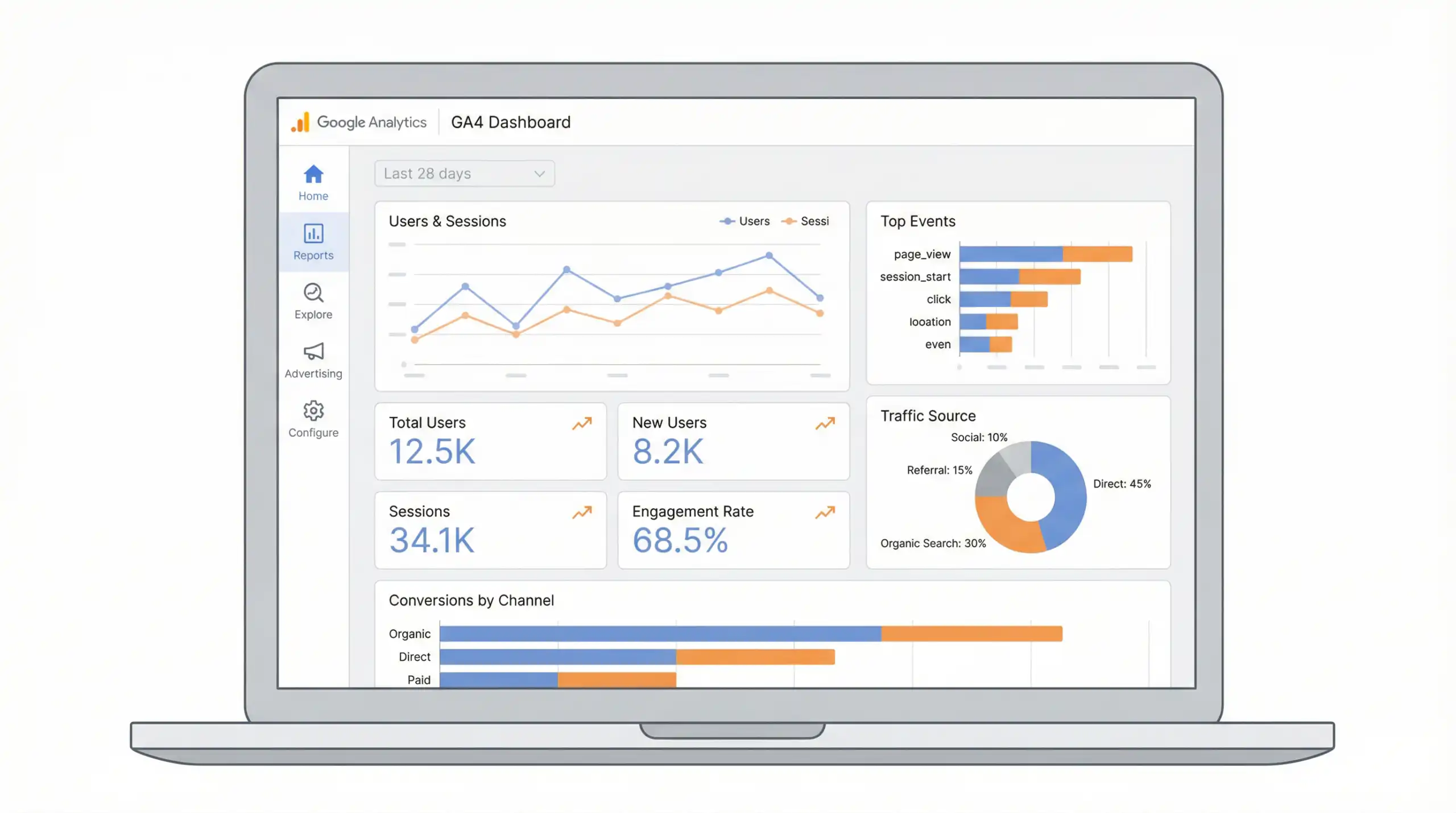
The difference between GA4 and Universal Analytics (UA).
For those familiar with Universal Analytics (UA), switching to GA4 may require some adjustment due to its completely different structure and concepts, as shown in the comparison table below:
| feature | Universal Analytics (UA) | Google Analytics 4 (GA4) |
|---|---|---|
| Data storage format | Session-based | Event-based |
| Cross-platform tracking | Separate the website and the app. | Integrate websites and apps into a single Property listing. |
| Bounce Rate | Focus on the bounce rate. | Shift your focus to the Engagement Rate. |
| Dependence on cookies. | Highly reliant on third-party cookies. | Using Machine Learning to fill in missing data (Privacy-centric) |
Why do modern businesses need to use GA4?
In an era where data is the lubricant of business, a deep understanding of customer behavior is a key advantage. This is why you should focus on GA4:
1. Understand the customer journey seamlessly across platforms.
Today's consumers don't use just one device. They might see ads on their mobile phone, search for more information on their tablet, and make purchasing decisions on their computer. GA4 can connect user data from multiple devices (cross-device tracking), giving you a true view of the customer journey, not just scattered data.
2. It has built-in Machine Learning and AI.
GA4 incorporates technology. AI (Artificial Intelligence) It can be used in predictive analytics, such as predicting the purchase probability or the churn probability. This data helps you create targeted marketing campaigns and increase the chances of closing sales.
3. Respect user privacy (Privacy-First).
With stricter data protection laws worldwide, collecting data via cookies is becoming more difficult. GA4 is designed to function even in data-scarce environments, using data modeling to fill data gaps, ensuring you still receive reliable data without compromising user privacy.
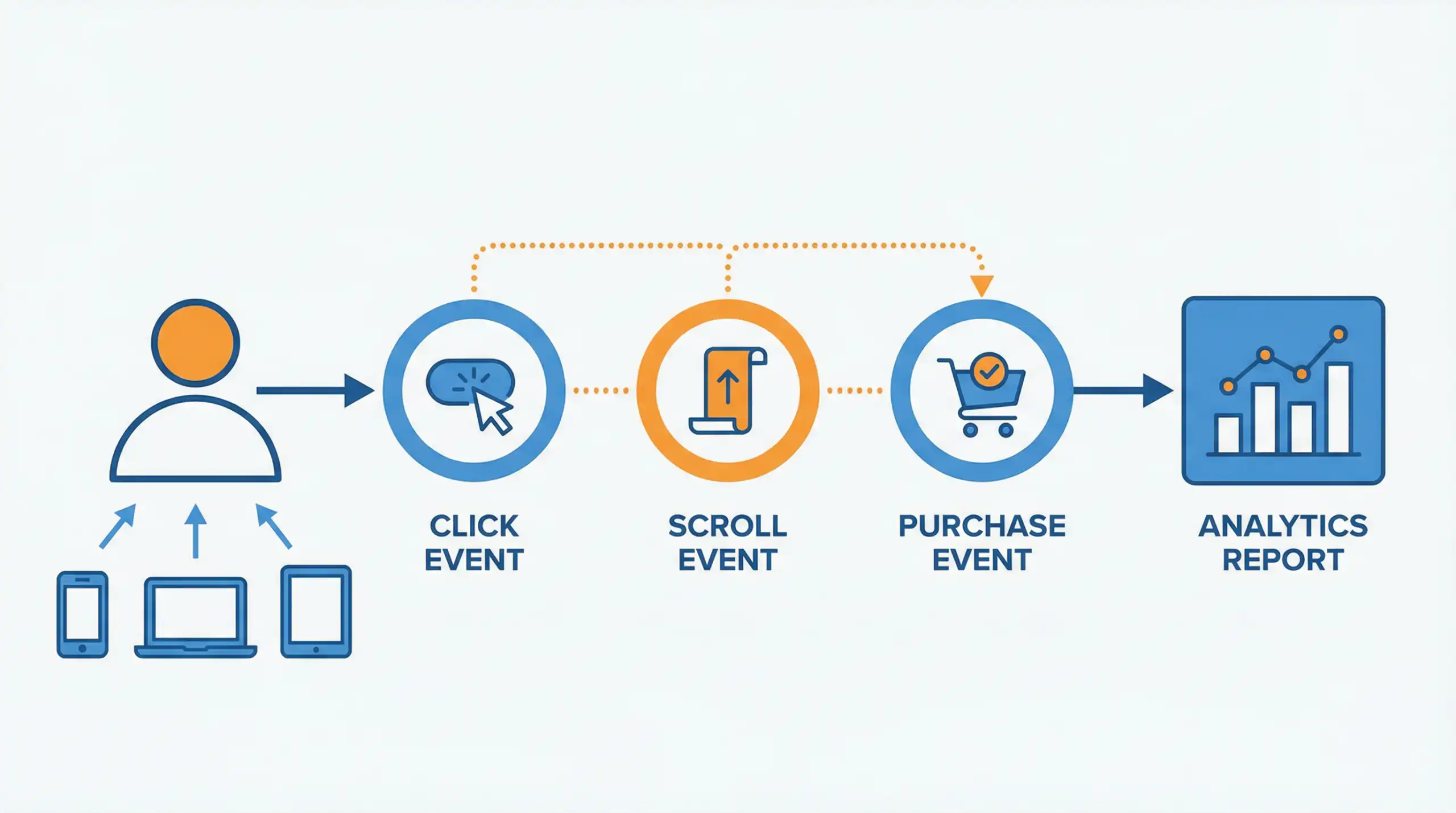
Key metrics in GA4 that you need to know.
If you're just starting out with GA4, here are some basic metrics you should understand to use for measuring website performance:
- Users: The total number of users who visit your website (including both new and existing users).
- Sessions: The number of times a user accesses the website; one session ends when the user does not interact with the website for 30 minutes.
- Engaged Sessions: Sessions lasting longer than 10 seconds, those involving a conversion event, or those viewing two or more web pages.
- Engagement Rate: The ratio of Engaged Sessions to Total Sessions (a metric that replaces Bounce Rate) – a higher number is better, indicating that your content is engaging.
- Event Count: The number of times various events occur on a website, such as clicking, scrolling, or watching videos.
- Conversions: The number of times a user successfully performs an action you desire, such as filling out a form, placing an order, or calling you.
- Average Engagement Time: The average time users actively use your website (not just opening a page and leaving it idle).
How to install and set up GA4 initially.
There are several ways to install a GA4, but the most recommended and standard method is to use... Google Tag Manager (GTM) The process generally involves the following steps:
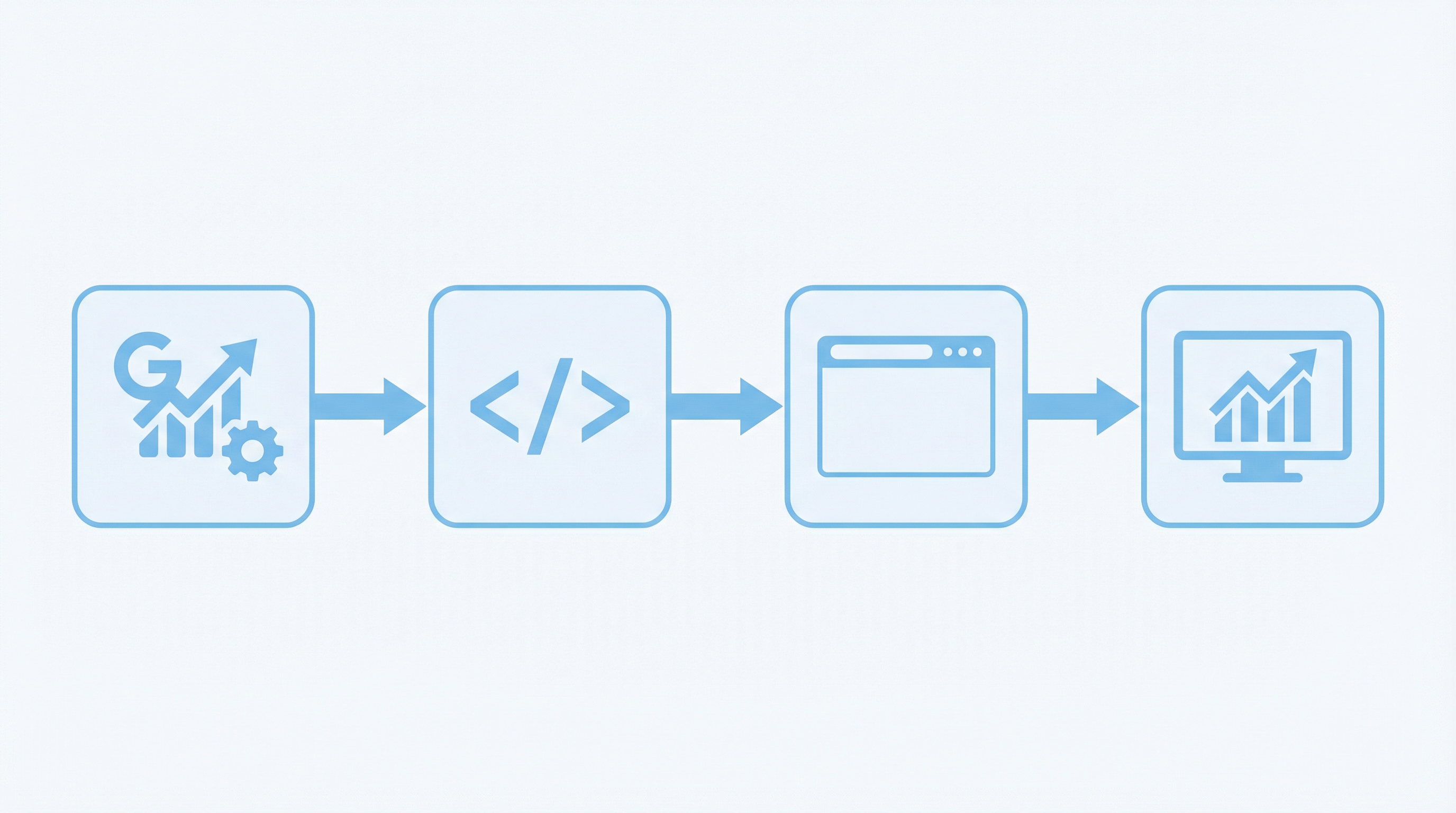
- Create an account and Property GA4: Go to the Google Analytics website, sign in, and create a new Property. Select "Web" as the platform (or "App" if you have an application).
- Get Measurement ID: After creating a data stream for your website, you will receive a "Measurement ID" (starting with G-), which is a unique identifier for your website.
- Install via Google Tag Manager: Go to GTM, create a new tag, select the type as “Google Analytics: GA4 Configuration”, enter the Measurement ID, and set the trigger to run on all pages.
- Checking the operation: Use Preview mode in GTM or DebugView in GA4 to check if the tag is working correctly and if data is being returned to GA4.
- Configure Conversion Events: Define events that are important to your business as conversions, such as form submissions, purchases, or phone clicks, to measure true results.
If you're using WordPress, you can use plugins like SiteKit by Google to make the installation even easier. But if you need help with the installation... Website maintenance Alternatively, setting up a professional analytics system and consulting an expert is also a good option.
summarize
Google Analytics 4 (GA4) is more than just a new version update; it's a revolution in how you analyze website data, focusing on events and users at the center. Understanding and fully utilizing GA4 will give you a clearer picture of your online business, allow you to improve your marketing strategies, and create the best possible customer experience.
Are you ready to elevate your online business with accurate data?
At Creative.co.th, we have a team of experts ready to provide consultation and services in website development, online marketing, and data analytics system setup, ensuring you don't miss any business opportunities.