If your business is starting to offer online courses, employee training, sales representative coaching, or wants to create a trackable learning system, the terms LMS and Moodle will quickly come to mind. This is because they aren't just websites for hosting videos, but centralized systems that manage learners, courses, quizzes, certificates, and progress reports all in one place.
What is Moodle LMS?
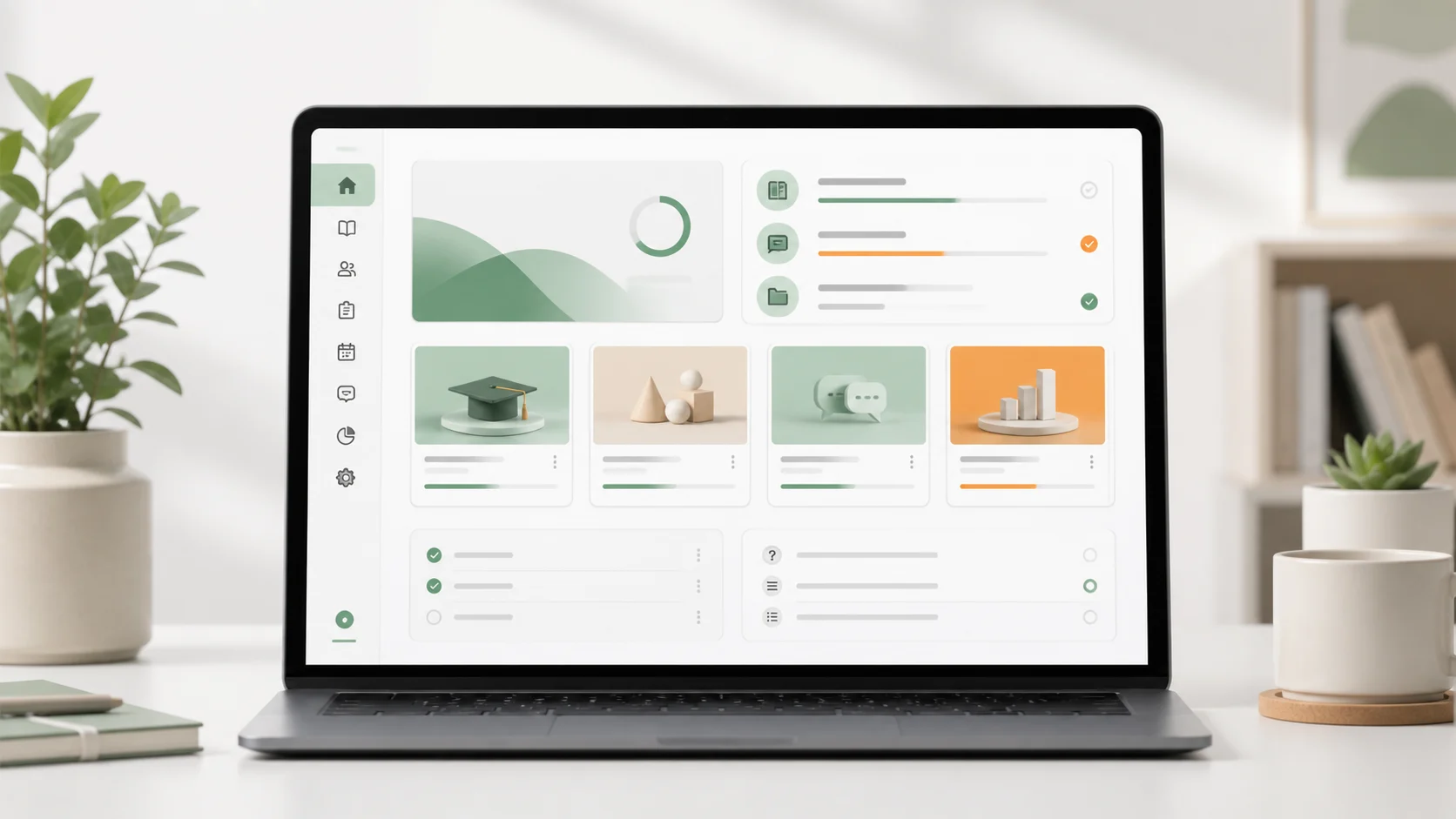
Moodle is a Learning Management System (LMS) for creating and managing online learning systems. Its official website is... Moodle.org It's described as an open-source learning platform with a large community of developers and extensive documentation. Key features include the ability for administrators to design courses, define learners, create quizzes, grade assignments, view reports, and add plugins tailored to various teaching or training formats.
To put it in simple terms, Moodle is more serious than a typical article website and more flexible than just uploading videos. It's designed to manage the user's learning journey, from attending classes and submitting assignments to taking exams and issuing certificates.
How does an LMS differ from a typical course website?
Typical course websites often focus on sales pages and lesson viewing areas, but an LMS (Learning Management System) delves deeper into the management side. For example, it tracks who has completed which chapter, their scores, who hasn't submitted assignments, which student groups need to take which courses, and what type of reports administrators should see. If an organization is looking at the overall picture... E-Learning system For long-term use, Moodle is a name that should be taken seriously.
Things commonly found in Moodle LMS.
- Categorize courses and lessons.
- Register or add students to a group.
- Take the Assignment Forum quizzes and participate in the course activities.
- Track progress, scores, grades, and attendance.
- Create a certificate or connect the system to issue certificates.
- Customize the theme to match your organization's brand.
The advantages of Moodle for organizations.
The advantages of Moodle aren't just that it's free, but also its flexibility and high level of control. It's ideal for organizations that don't want to entrust their future entirely to a ready-made course platform, especially if they have a large amount of student data, specialized courses, or want to integrate with internal systems.
1. It's highly customizable because it's open source.
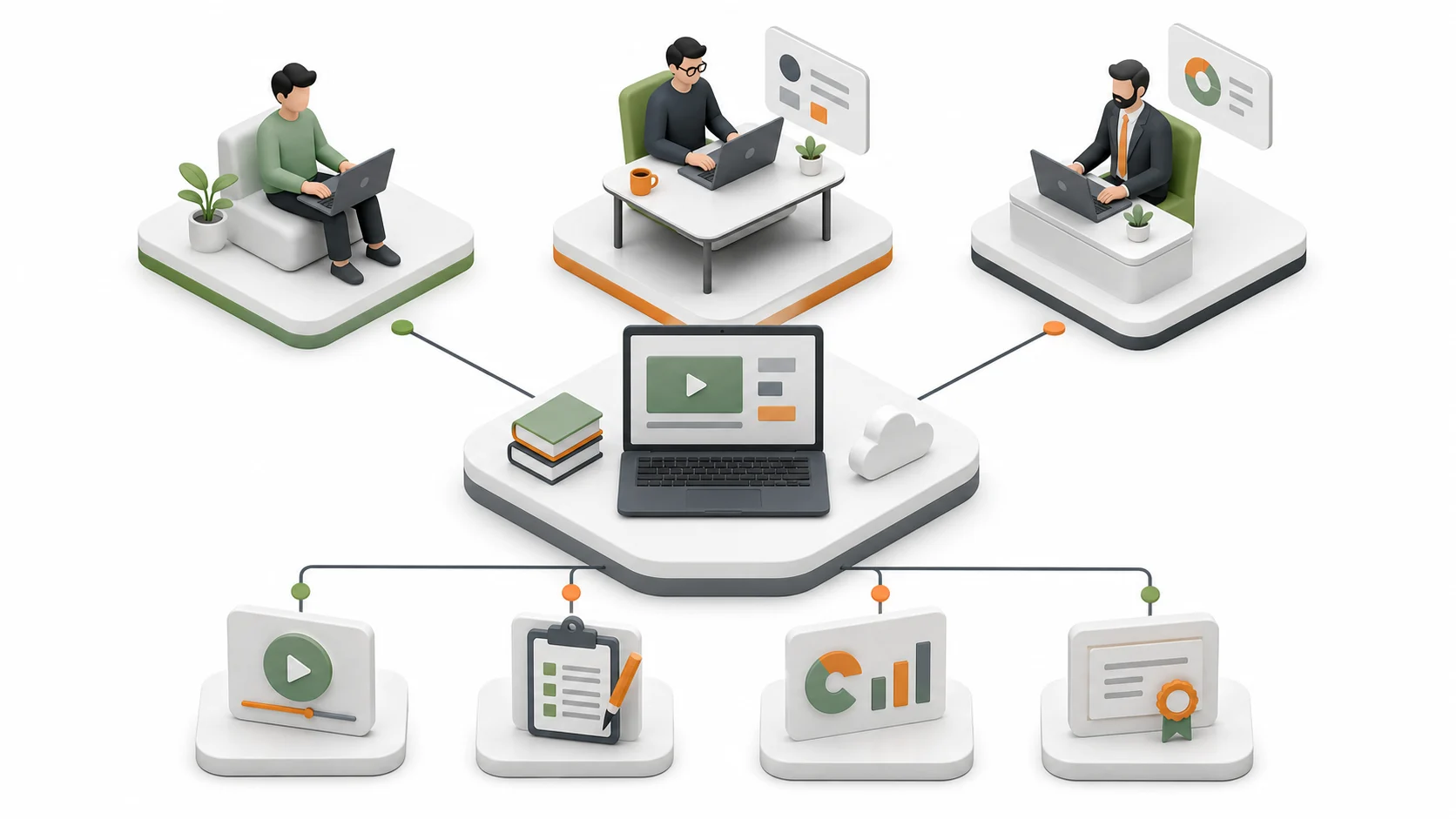
Moodle offers deep customization options for course appearance, structure, user permissions, registration methods, and plugins. This makes it suitable for projects with specific requirements, such as training employees across multiple departments, courses for distributors, or courses requiring passing criteria before unlocking the next chapter.
2. Academic progress can be tracked accurately.
In training sessions, what executives want to know isn't just "did anyone watch the videos?" but who completed the course, who passed the exam, what the average scores were, and which courses need improvement. Moodle provides progress, gradebook, report, and log tools to help teams systematically visualize this data.
3. Supports multiple learning styles.
A course may include videos, documents, quizzes, assignments, forums, or workshops; it doesn't necessarily have to be video-only. Therefore, it's suitable for fully online learning, blended learning, or training that combines in-person classroom learning with online activities.
4. Suitable for long-term system expansion.
As the number of courses, the number of students, or multiple teams joins the platform, having a central system that manages permissions and structure effectively helps reduce redundant work. Moodle supports user roles such as students, instructors, course managers, and administrators, allowing for more granular control than simple web courses.
Things to consider before choosing Moodle.
While Moodle is flexible, it still requires someone to set up the system, maintain the server, update versions, back up data, and manage plugins properly. If implemented without a proper plan from the start, the system may struggle to grow, websites may be slow, or users may become confused.
What type of use is Moodle best suited for?
Moodle is suitable for tasks that require more than just a "website for people to view lessons," especially those that involve formally assessing and managing student learning in groups.
Educational institutions and schools
It can be used for online classrooms, submitting assignments, grading, notifying deadlines, and storing learning resources in one place. If you want to create an organizational website to accompany the online learning system, it can be integrated with your project. We develop websites for educational institutions. To ensure that the website's appearance and the backend system are consistent.
Organizations that need to train their employees.
Ideal for HR, L&D, Compliance Training, new employee onboarding, or safety training, as it allows for customized curriculum development by department, tracking of completion, and storage of training records.
Businesses that sell courses or training to customers.
If a business offers specialized courses such as languages, health, career skills, software, or licensing exams, Moodle is excellent for managing lessons and quizzes. However, the sales page, branding, and user experience may need further design adjustments to suit the actual market.
Brands that need to train their partners, agents, or franchisees.
Many businesses don't directly train customers, but rather train sales teams, distributors, or franchisees to understand products, service standards, and work processes. Moodle helps organize content and monitor the readiness of each group.
Examples of applications
- New employee training system with end-of-chapter quizzes.
- Online learning system for schools or tutoring centers.
- Training Portal for Partners or Dealers
- Online courses that require grades, certificates, and student reports.
- A central hub for product manuals and tutorials for enterprise customers.
What do I need to prepare before starting to create a Moodle?
A good Moodle project shouldn't start with installation and then think about it later. Instead, it should be planned based on the learners and the actual teaching process. A good LMS should make learning easy for learners, easy for the support team, and provide system owners with data to make informed decisions.
1. Course structure and user permissions.
Beforehand, you need to know how many course groups there are, who the learners are, who the instructors are, who can see the reports, and whether the learning path is sequential or independent. Defining the structure from the beginning will help keep the system from becoming cluttered as the number of courses increases.
2. Content and activity format.
Videos, PDFs, quizzes, assignments, forums, or SCORM all have different uses. If they're not implemented correctly from the start, learners might get confused, or the backend team might need multiple revisions. Activities should be chosen to align with the goals of each lesson, rather than including everything just because the system allows it.
3. Website design and learner experience.
Moodle works well, but its default look might not always perfectly match your brand. To ensure the system looks trustworthy, is easy to use, and aligns with your main website, you should consider the UI, theme, and user journey from the start. This involves both technical and practical aspects. Web Design More than many people think.
4. Server speed and security.
LMS systems typically contain a large number of files, videos, learners, and activities. Therefore, it's crucial to have hosting or a server capable of handling the actual number of users, along with data backup systems, plugin updates, and measures to prevent account leaks.
A few short questions before starting the project.
- Approximately what is the maximum number of students who can attend simultaneously?
- What type of test, certificate, or report is required?
- Do I need to connect it to the membership system, payment system, or internal system?
- Do you want it to look like a corporate website or use a standard theme?
- Do you have your own course support team, or would you like our technical team to provide further support?
How do I get started if I want to create or edit Moodle?
If you already have Moodle but it's difficult to use, your website is slow, has plugin problems, the interface doesn't match your brand, or you want to start building a new LMS from scratch, you should begin by examining your system and usage goals first, rather than randomly fixing issues one by one. An online learning system involves users, content, permissions, servers, and the front-end experience—all interconnected.

What services can Creative offer related to Moodle and eLearning?
- Install and set up Moodle LMS.
- Customize the theme to match your organization's brand.
- Fix Moodle issues, slow web pages, or plugin conflicts.
- Structure the course, learners, instructors, and user permissions.
- Connect Moodle to your main website or membership system.
- Designing a website to complement a complete online learning system.
To summarize in a straightforward manner.
Moodle is ideal for organizations serious about online learning and who want a system with long-term control. However, its flexibility comes with the need for proper planning and maintenance. When done well, Moodle can be a central system that reduces redundant work, improves training standards, and keeps learning materials organized.
I want to create an LMS system or I have a Moodle project that needs fixing.
You can talk to our Creative team. We can help with everything from system structuring and user interface design to modifying existing Moodle, troubleshooting technical issues, and even developing a main website alongside the online learning system. This is ideal for schools, institutions, organizations, and businesses that need a functional eLearning system, not just one that's installed and left unused.