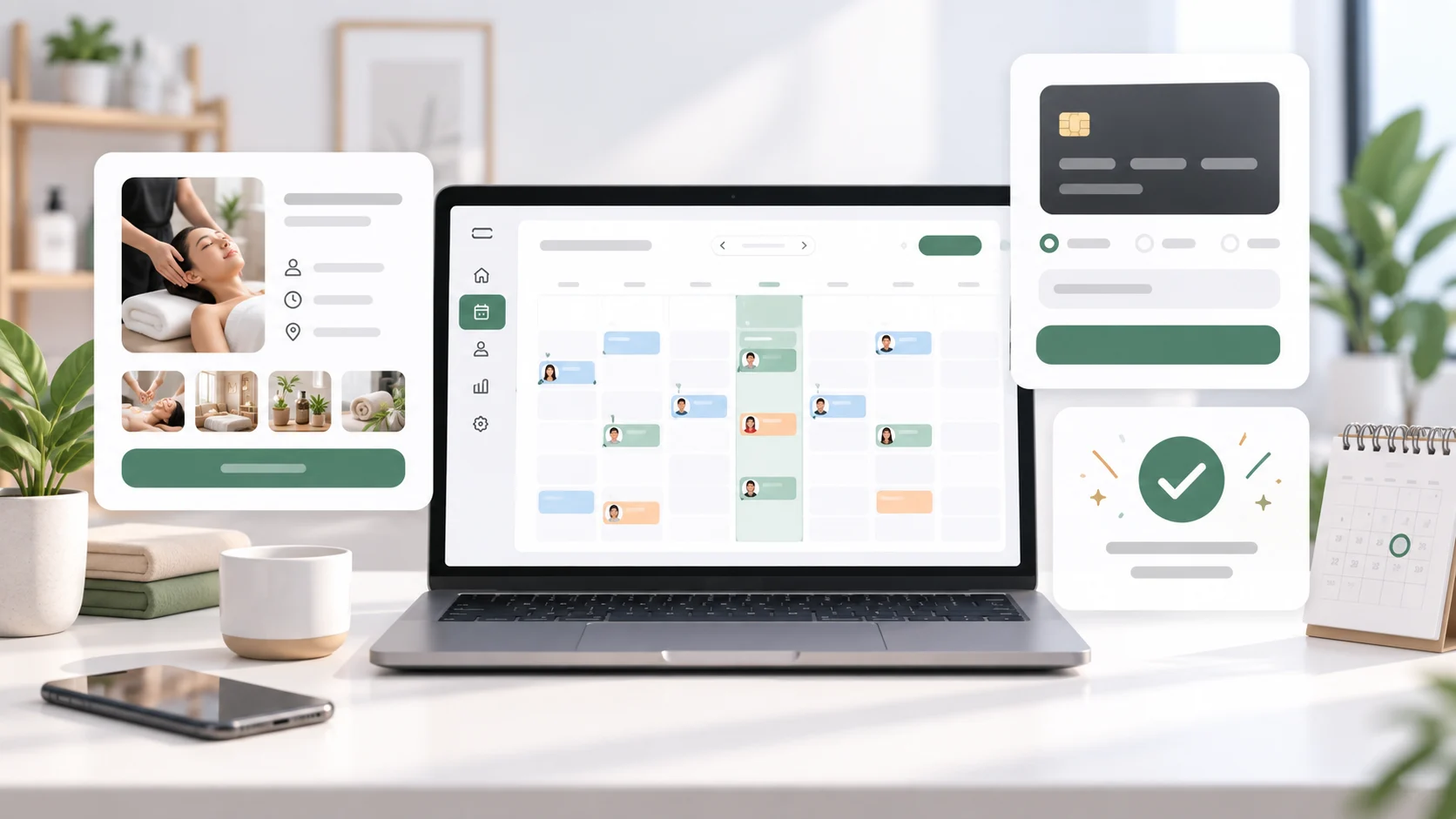
An online booking and payment system is ideal for businesses where "time" is a commodity, such as clinics, hotels, spas, courses, workshops, car rentals, sports facilities, or consulting services. This is because customers don't just choose a product, but also the date, time, and service provider, and sometimes even need to pay a deposit to confirm their reservation.
Why should online booking systems require payment?
Allowing customers to book and transfer payment later often leads to no-shows, administrators having to constantly request payment slips, and unreliable booking schedules. If the system accepts deposits or full payments immediately, businesses can manage queues better, customers will have clear status updates, and the team can significantly reduce repetitive chat tasks.
A good booking system should reduce administrative workload, not just have a calendar.
Articles The online booking system helps reduce the need for chatting. We've already discussed the benefits of booking flow. This article delves deeper into receiving payments, deposits, and connecting payment gateways to the booking system.
What types of businesses are suitable for a booking and payment system?
- Beauty clinics, medical clinics, dental clinics, and wellness centers.
- Hotels, resorts, tours, and tourist activities.
- Tutoring institute, online courses, workshops, and seminars.
- Spa, hair salon, fitness center, coach, and on-site appointment services.
- Rental services for venues, sports fields, car rentals, or equipment.
Businesses with limited queues should consider requiring a deposit.
If slots are limited, allowing all slots to be reserved for free could result in missed sales opportunities. A deposit system helps confirm customer intent and also allows the team to allocate staff more accurately.
Features that a booking and payment system should have.
Customer page
Customers should be able to clearly select the service, date, time, number of people, branch, and service provider, and see the price/terms before payment. The more service packages available, the simpler the UX should be, minimizing the need for customers to ask administrator questions repeatedly.
backyard
There should be a calendar, booking list, payment status, confirmation status, team notifications, data export, and management for canceling or rescheduling appointments, possibly linked to... Appointment booking website Or a customized system tailored to your business.
Don't forget the rules after payment.
It needs to be clearly stated whether appointments can be rescheduled after payment, whether refunds are possible, how late customers will be handled, and whether the administrator can override the schedule in special cases.
A payment flow plan that should be established from the start.
The booking system should support statuses beyond "paid/unpaid," such as pending, paid, failed, expired, refunded, and partially paid, to give the team a true picture of the queue. The system should receive webhooks from the Payment Gateway to automatically update the status instead of requiring manual checking.
Related to the articles in this series.
- Create a website with an online payment system.
- Monthly subscription systems in Thailand.
- Make your website optimized with AI recommendations.
Transform the cumbersome booking process into a user-friendly system for customers.
Creative Plus One helps design online booking and payment systems, from the UX (first-person UX) of the time selection page, the deposit system, the payment gateway, notifications, to the backend dashboard for convenient queue management by the team.